Design system
How to design a Fresh UI theme that matches the quality of the reference themes and works with the NetScript framework.
The guidelines have two readers:
- a designer creating or extending a theme;
- an AI agent working from a
SKILL.mdandDESIGN.mdpair.
The guidelines define the token contract every theme follows (§1 to §3), the method for designing and checking a theme (§4 and §5), the existing themes (§6), and the steps for adding and shipping a new one (§7 and §8).
Status: token names are provisional. The role names below are the current Figma contract. The tokens build (#2414) turns them into DTCG 2025.10 tokens with resolver modes. The component anatomy spec (#2416) freezes anatomy and data-attribute variants. Until both land, treat names as stable and values as owned by Figma. Do not invent new core role names.
NetScript default Studio · Utility neutral × ink
1. Two rules that override everything
- Figma owns values; code owns names. A theme changes the values of existing roles, tiers and modes. It never renames a core role or introduces a new core role on its own. New namespaced roles come only through a style's role manifest (§2.4). CI rejects exported token names that code does not know.
- A theme is a language, not a palette. Recolouring and re-rounding the default UI is not a theme. A theme language is a style: it owns a depth model, a shape language, a type system and its own version of every component, each traceable to a documented reference (§2.4).
Theme catalogue
11 languages · 7 Studio flavors · light and dark
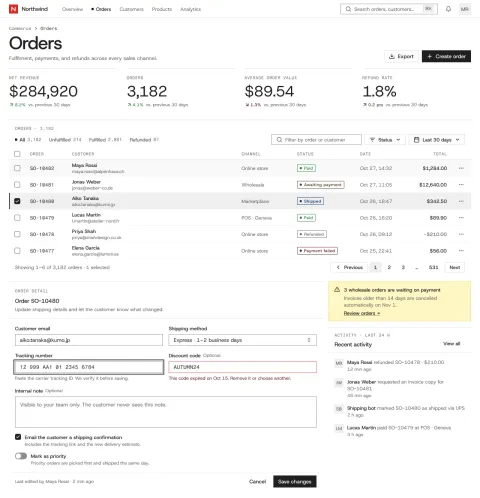
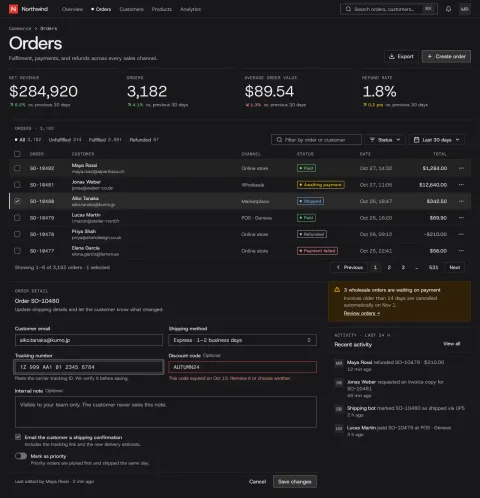
Studio · Utility
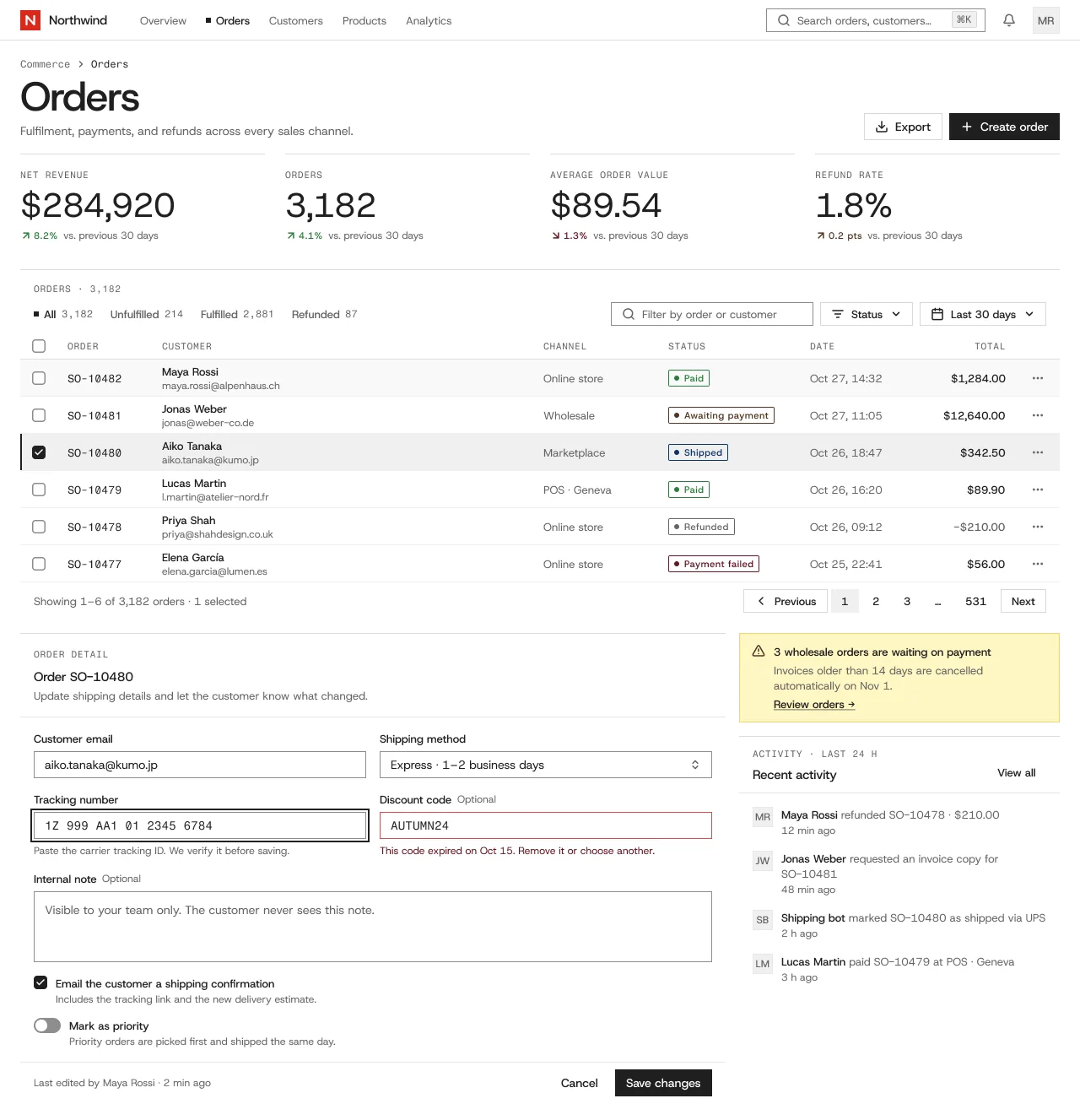
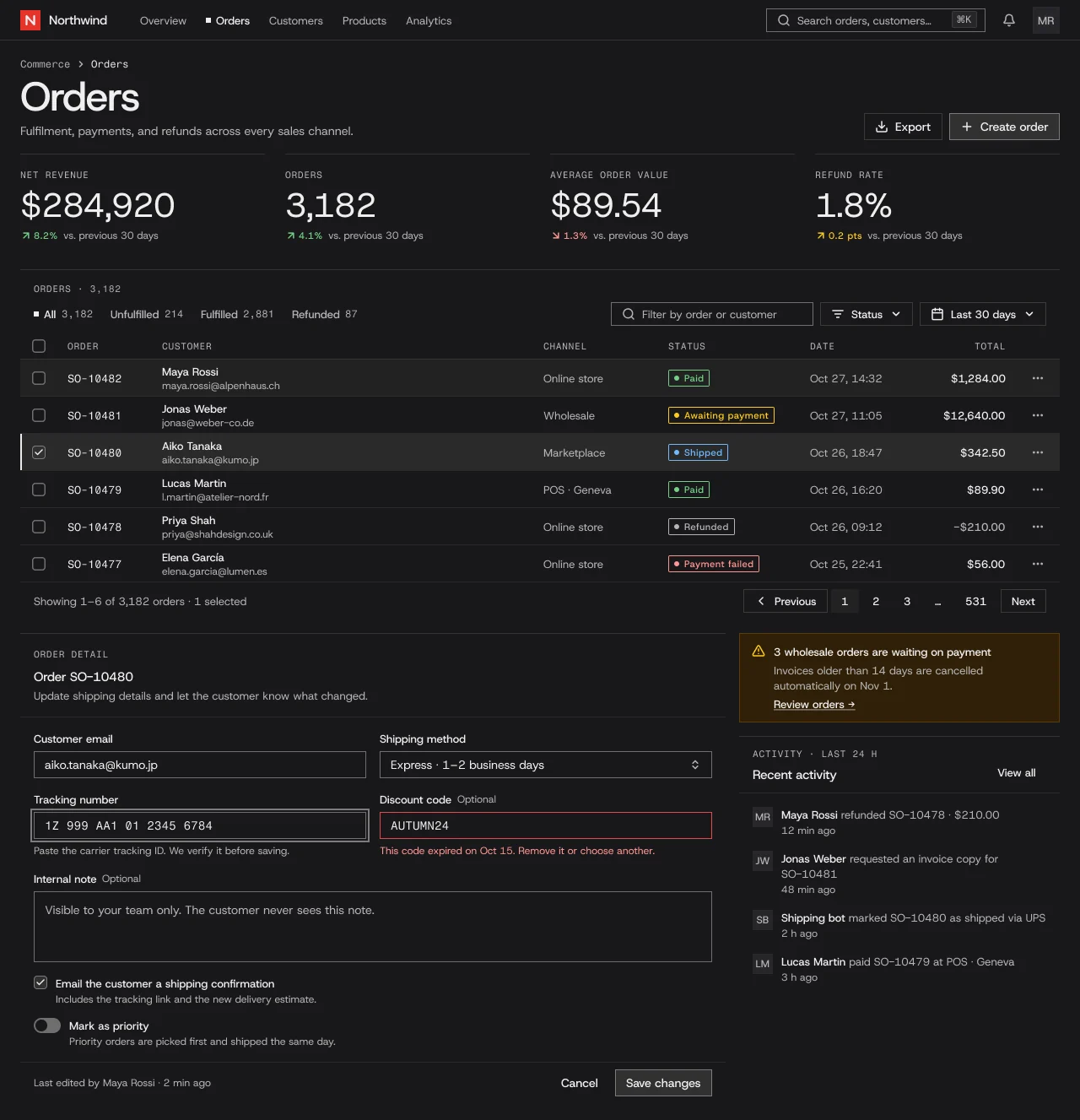
NetScript defaultSeven product flavors that share one component anatomy and differ in ground, shape, type, density and component variants, built on shadcn/ui and Linear conventions. Utility is the NetScript default.
Compare light and dark
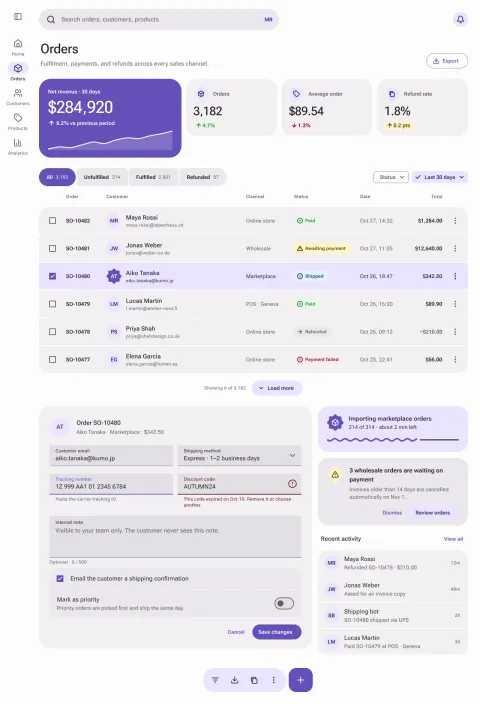
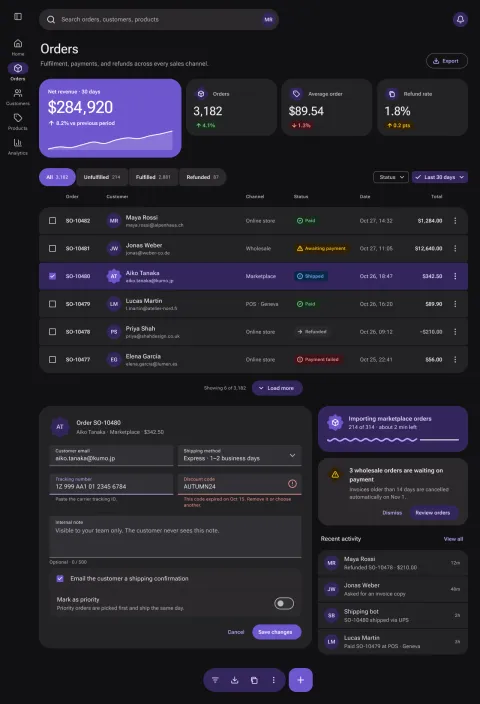
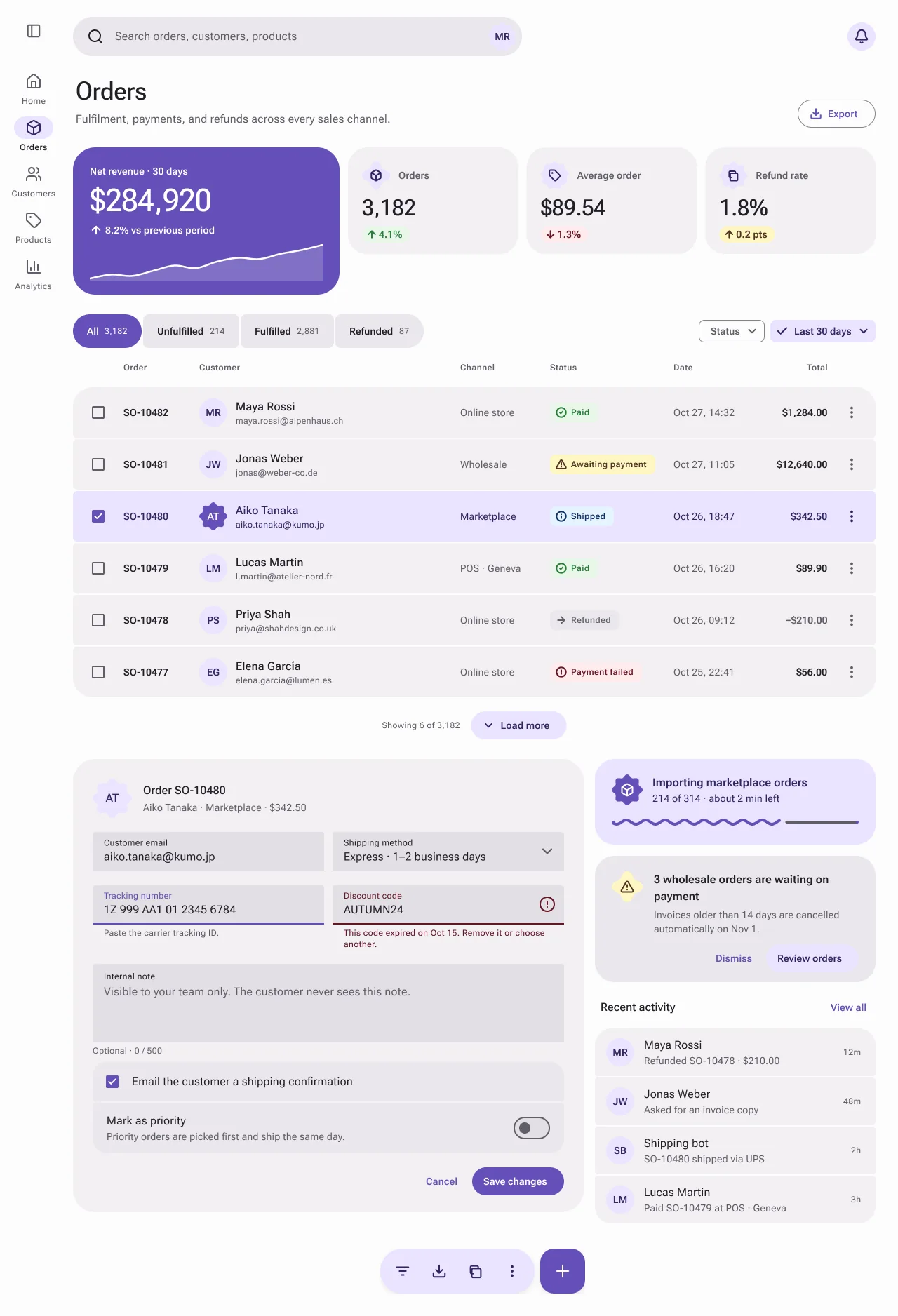
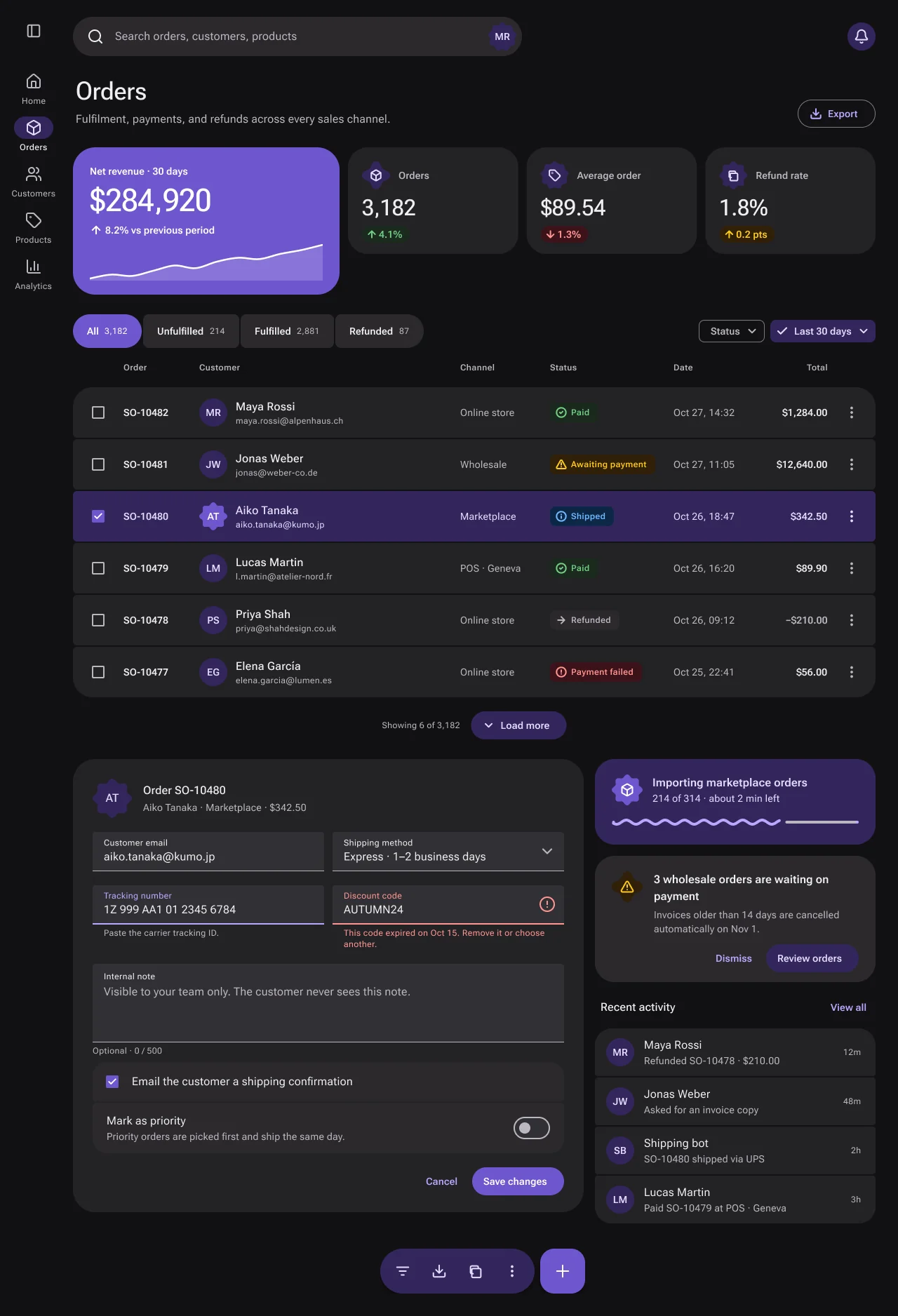
Material 3 Expressive for NetScript. Tonal surfaces replace borders, with a saturated hero KPI, shape-morphing connected controls and a floating toolbar with a FAB.
Compare light and dark
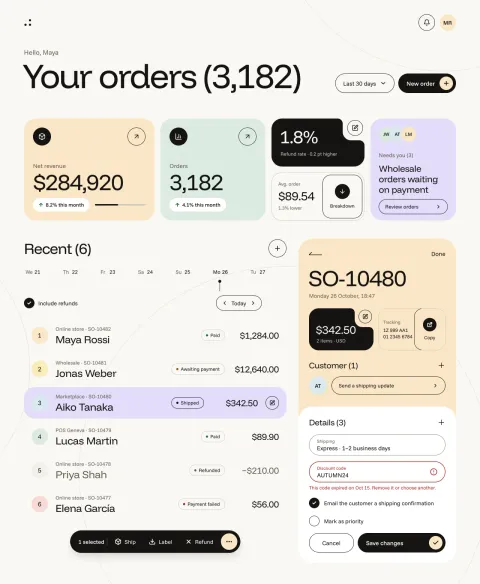
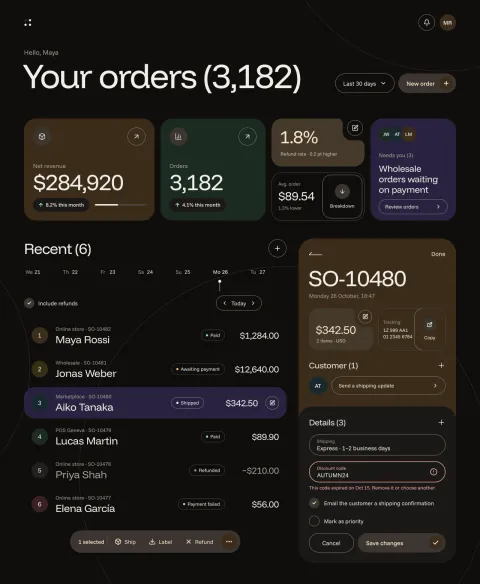
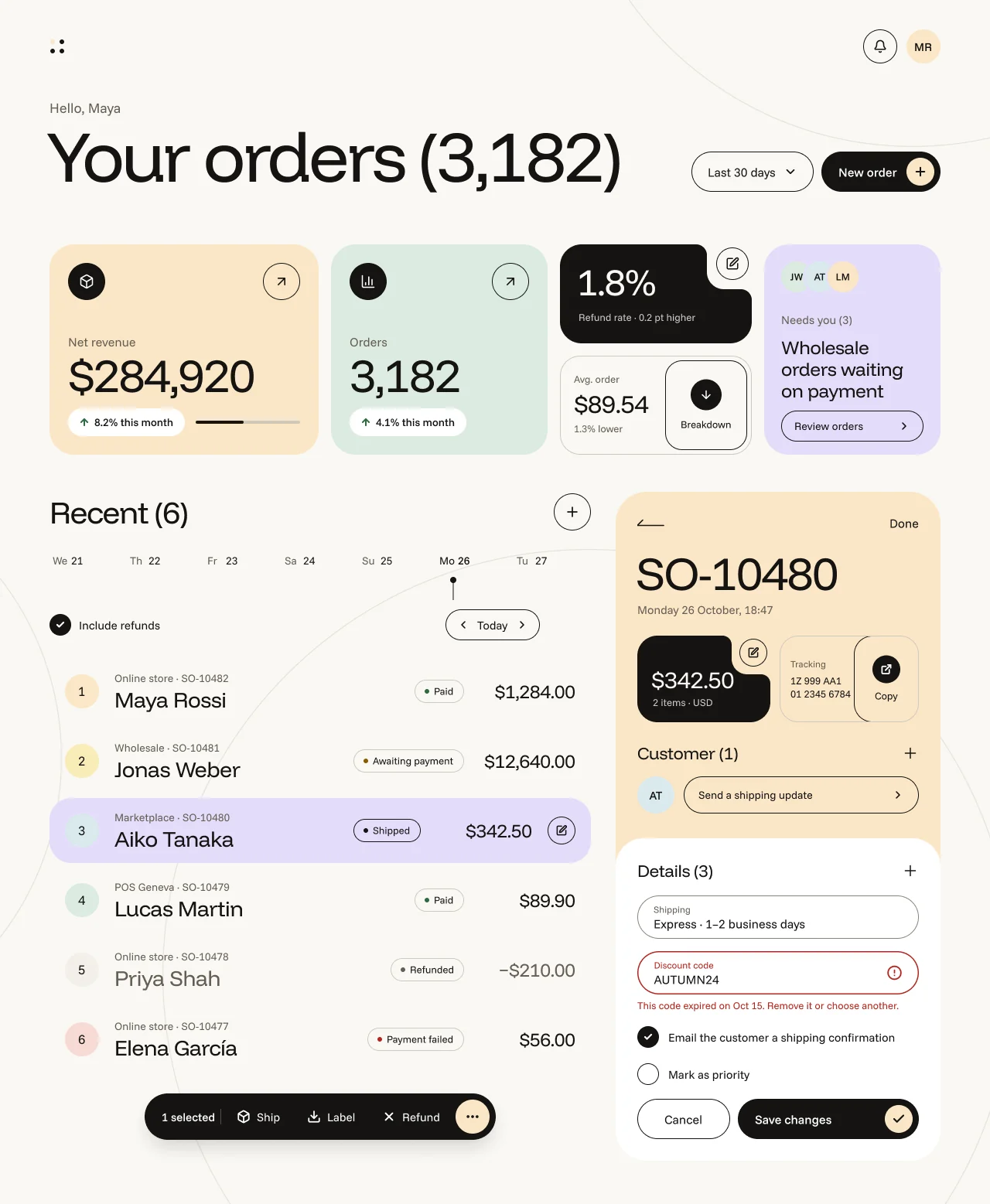
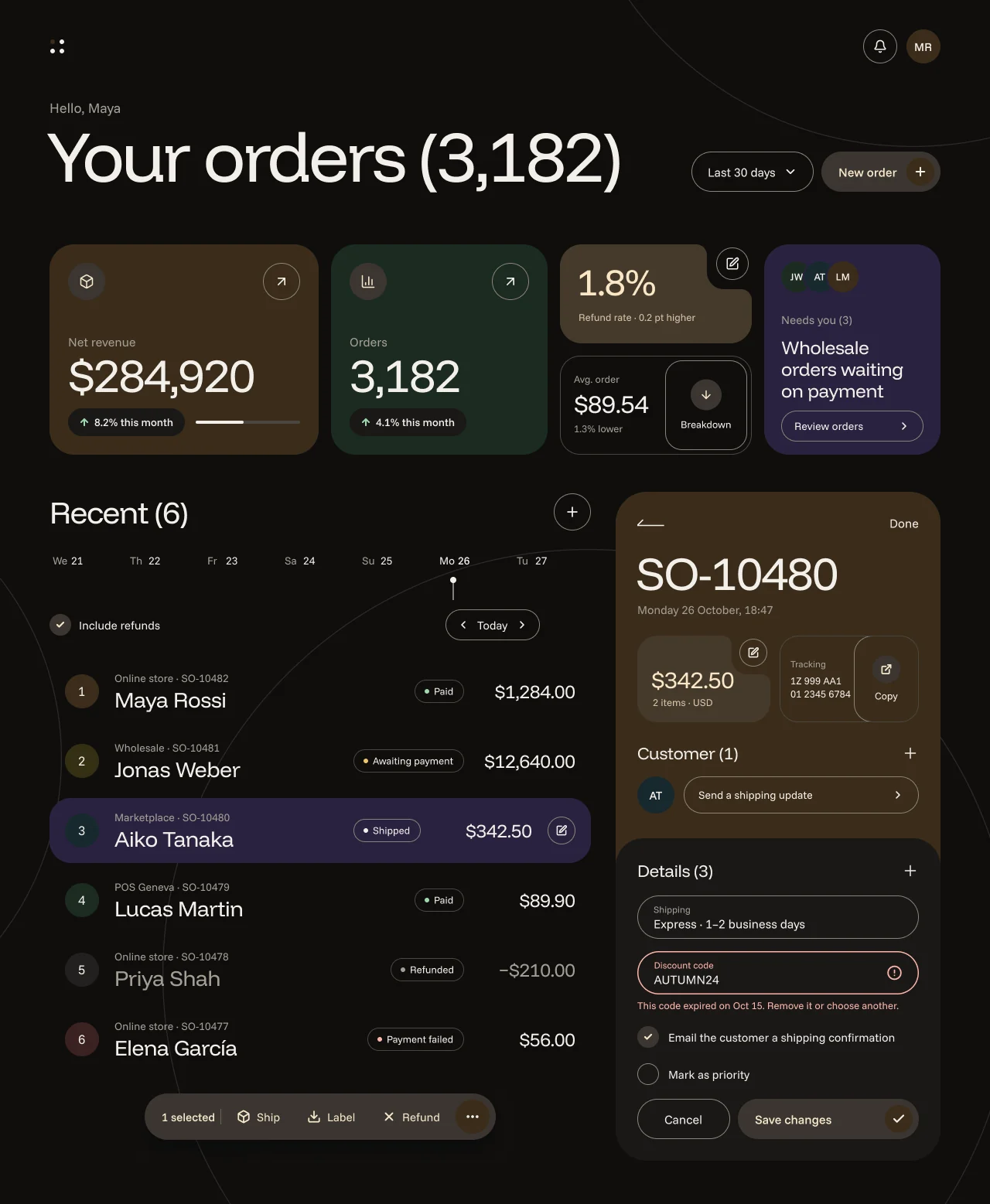
Widget-first Material You with notch-cut pastel widgets on warm paper, a large regular grotesk and black action discs.
Compare light and dark
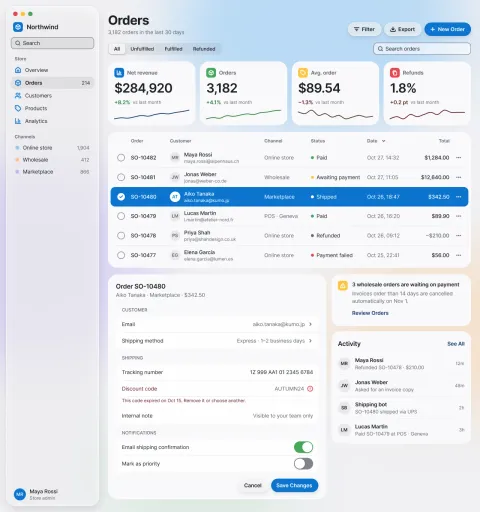
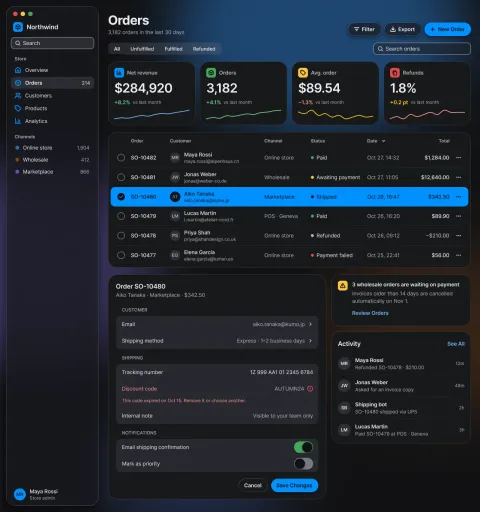
Apple-inspired classic: a translucent floating sidebar, a large-title header, capsule buttons, inset grouped lists and blur-only materials, with full-row system-blue selection on opaque slate content cards.
Compare light and dark
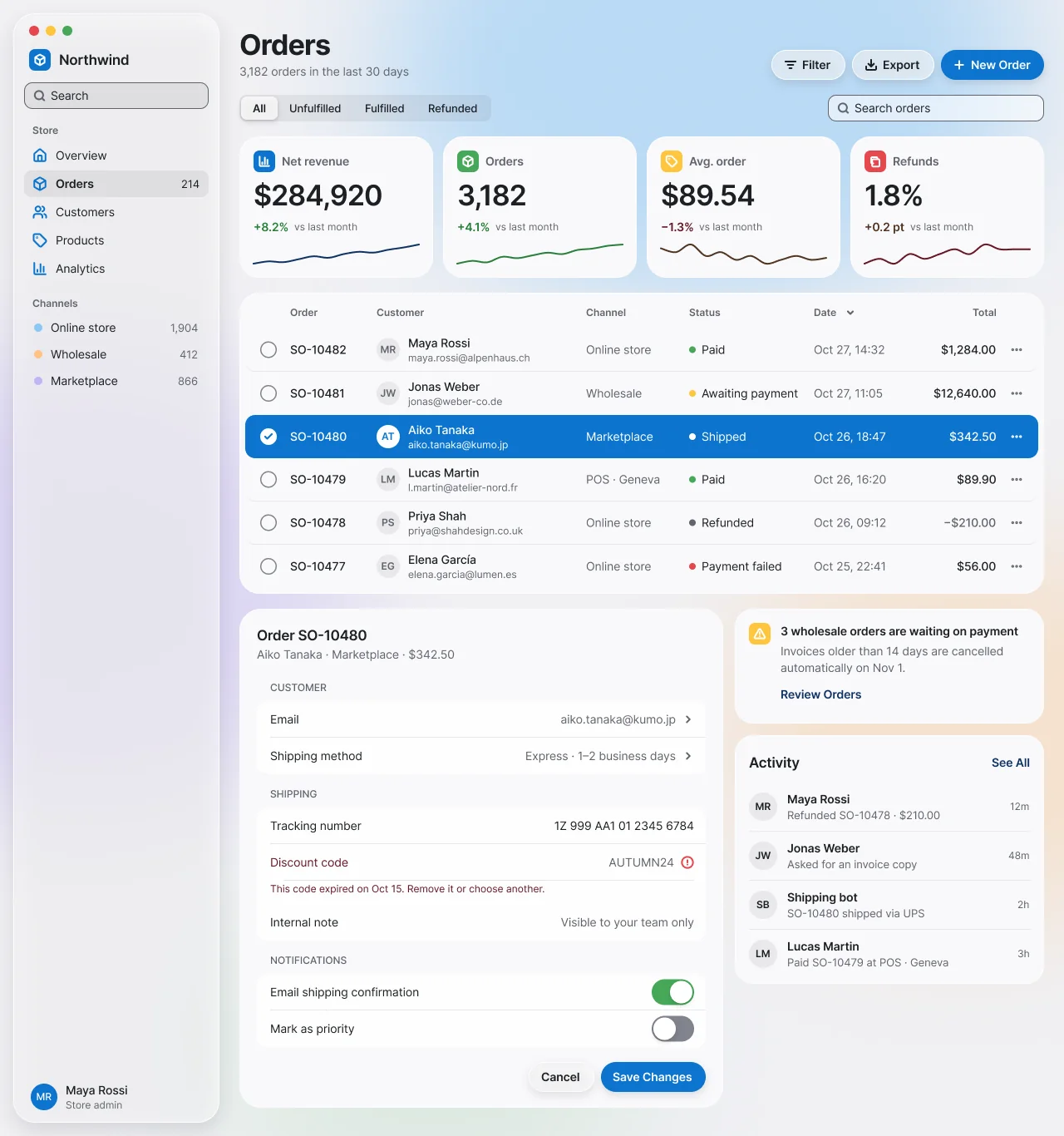
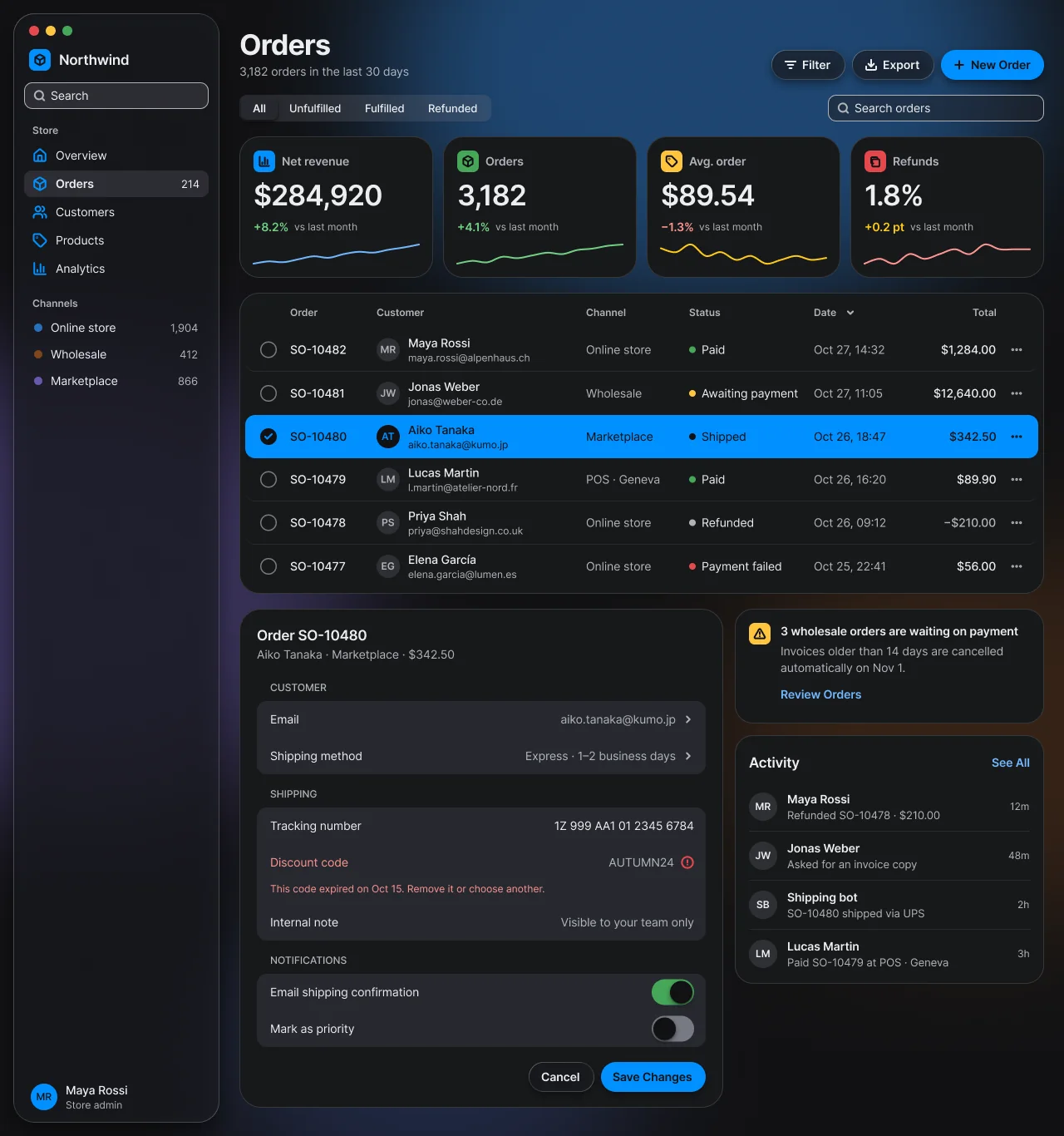
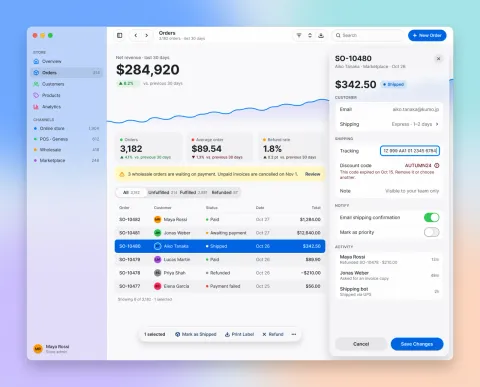
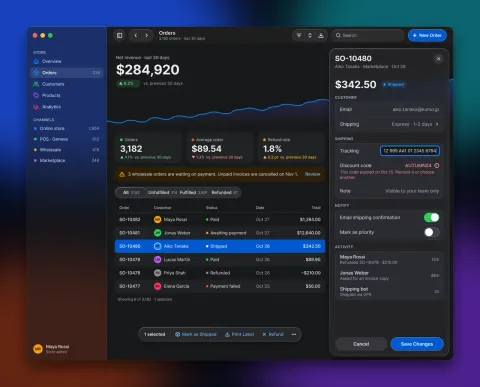
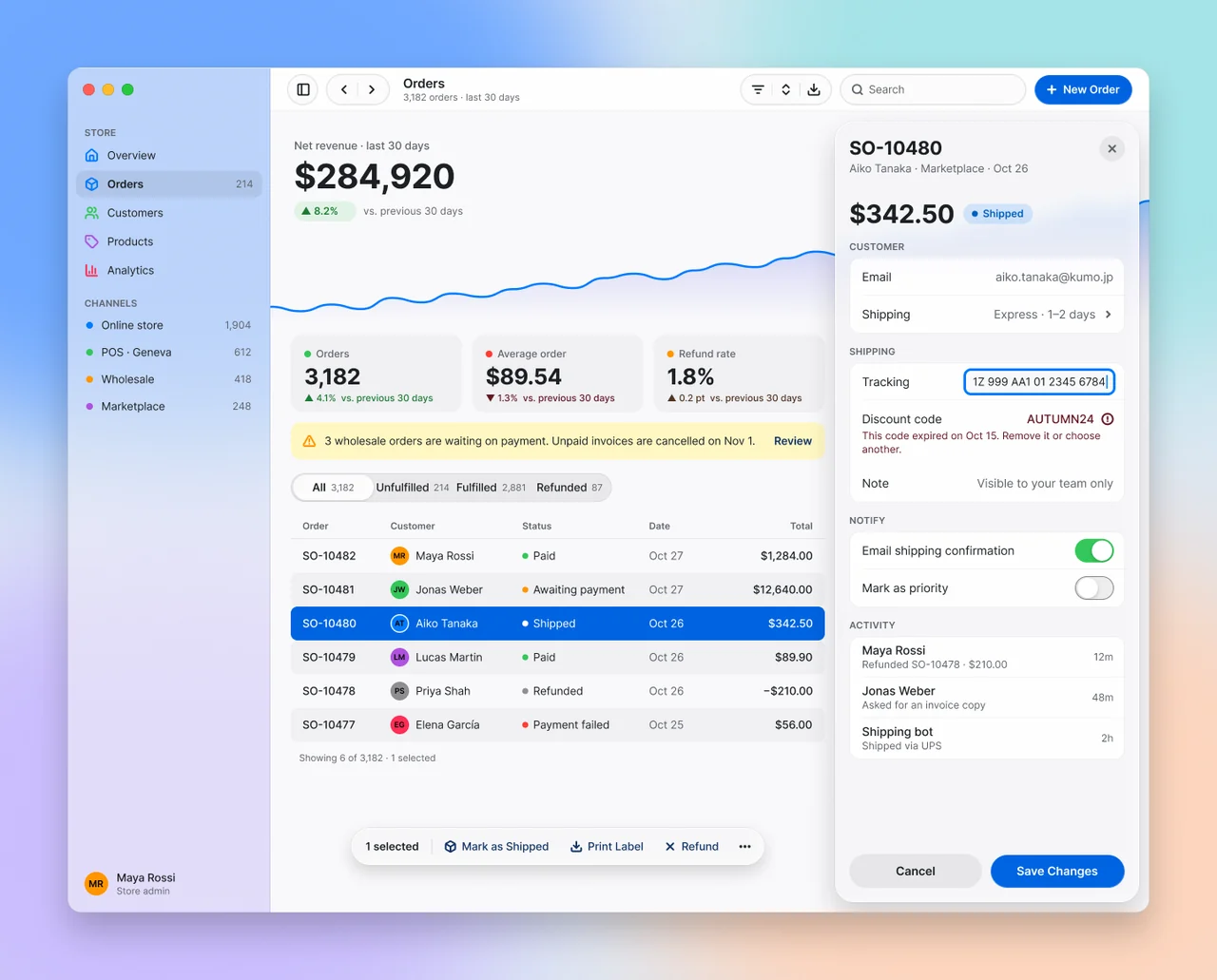
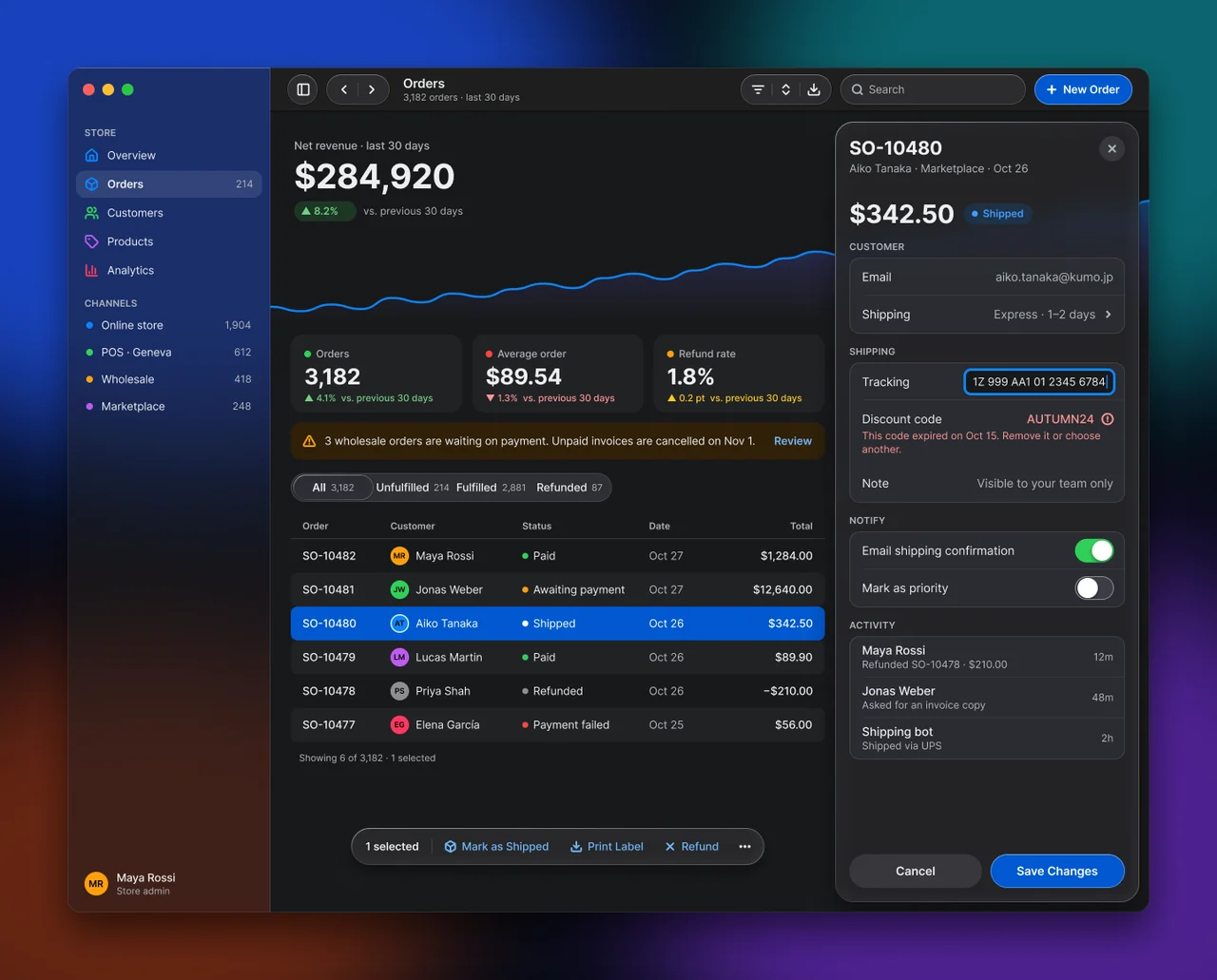
macOS 27 Liquid Glass over a real desktop: a translucent edge-to-edge sidebar, kit-recipe glass toolbar groups, and a lensing inspector sheet and selection bar floating over opaque content.
Compare light and dark
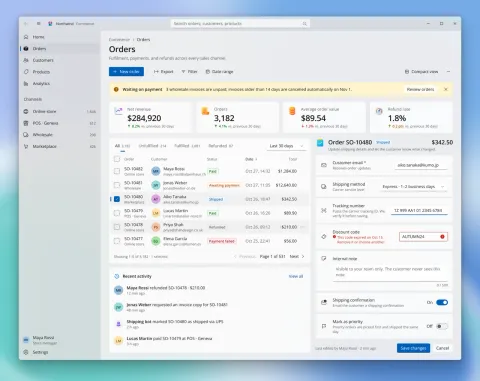
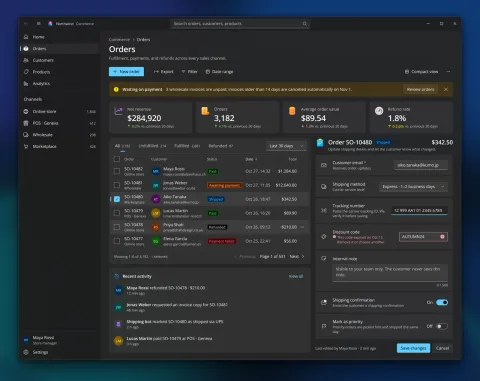
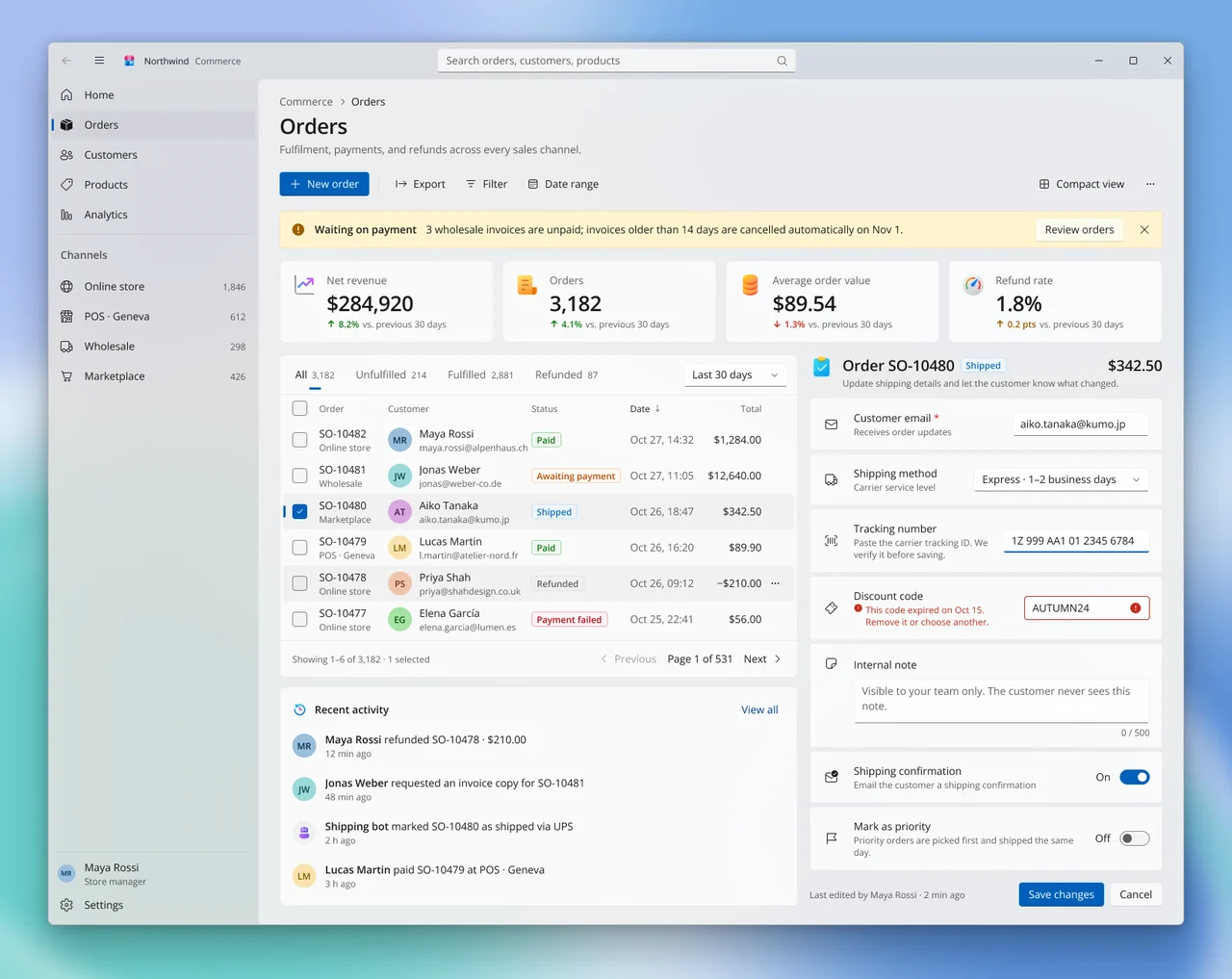
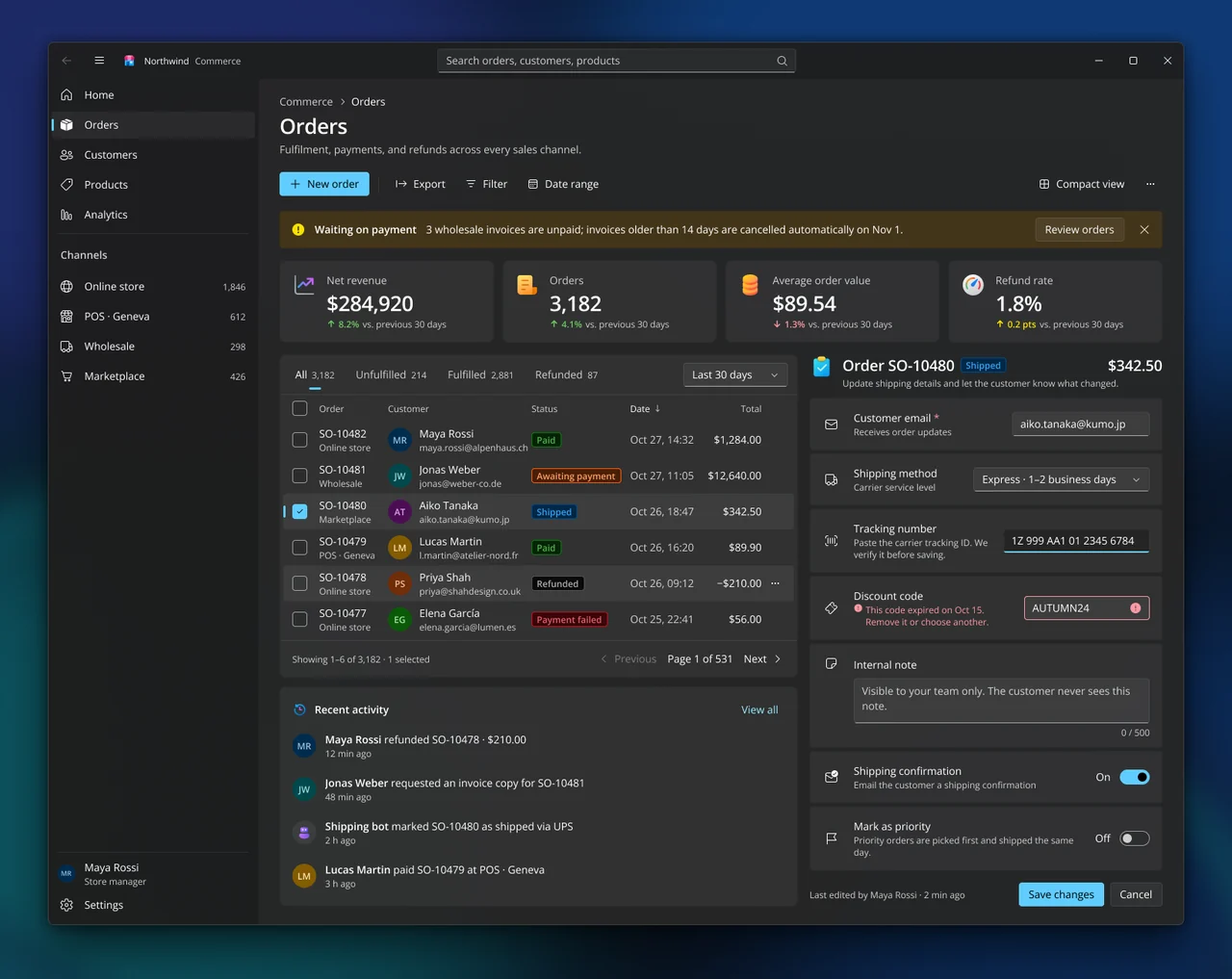
Fluent 2 as Windows 11 ships it: a Mica window, NavigationView with the 3×16 accent pill, flat card layers, elevation borders instead of shadows, and WinUI theme brushes.
Compare light and dark
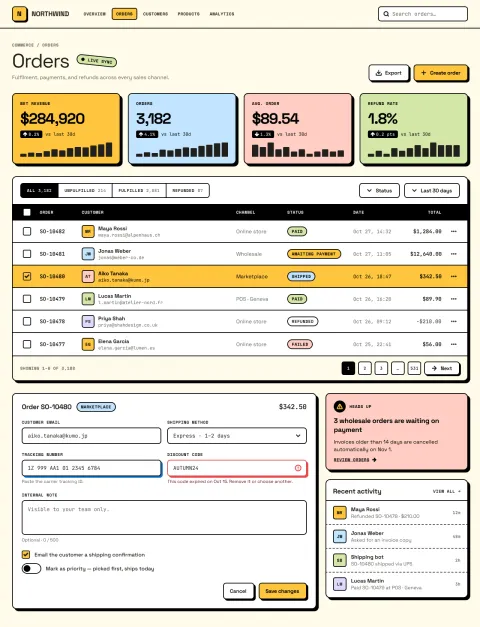
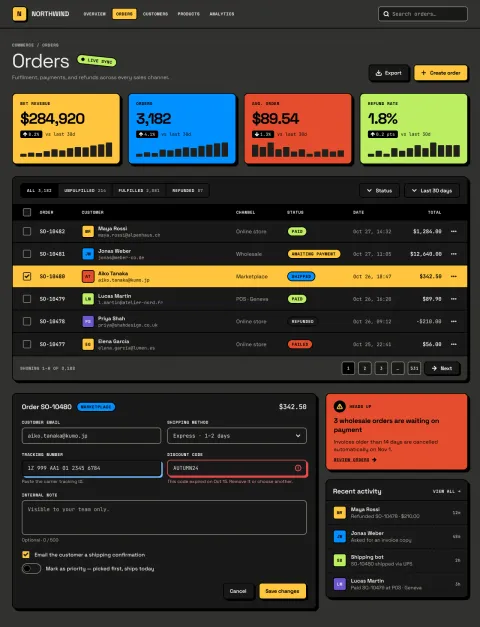
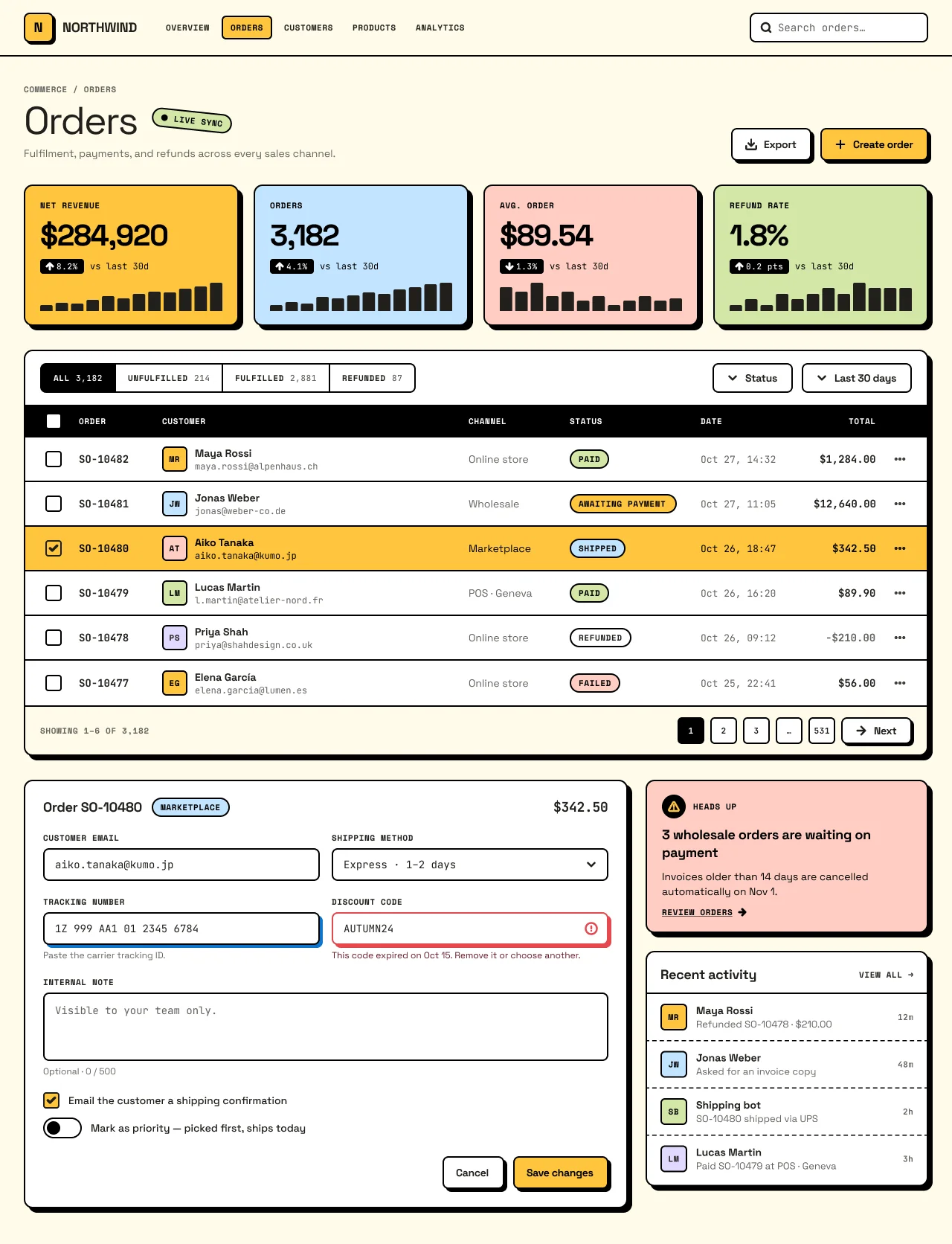
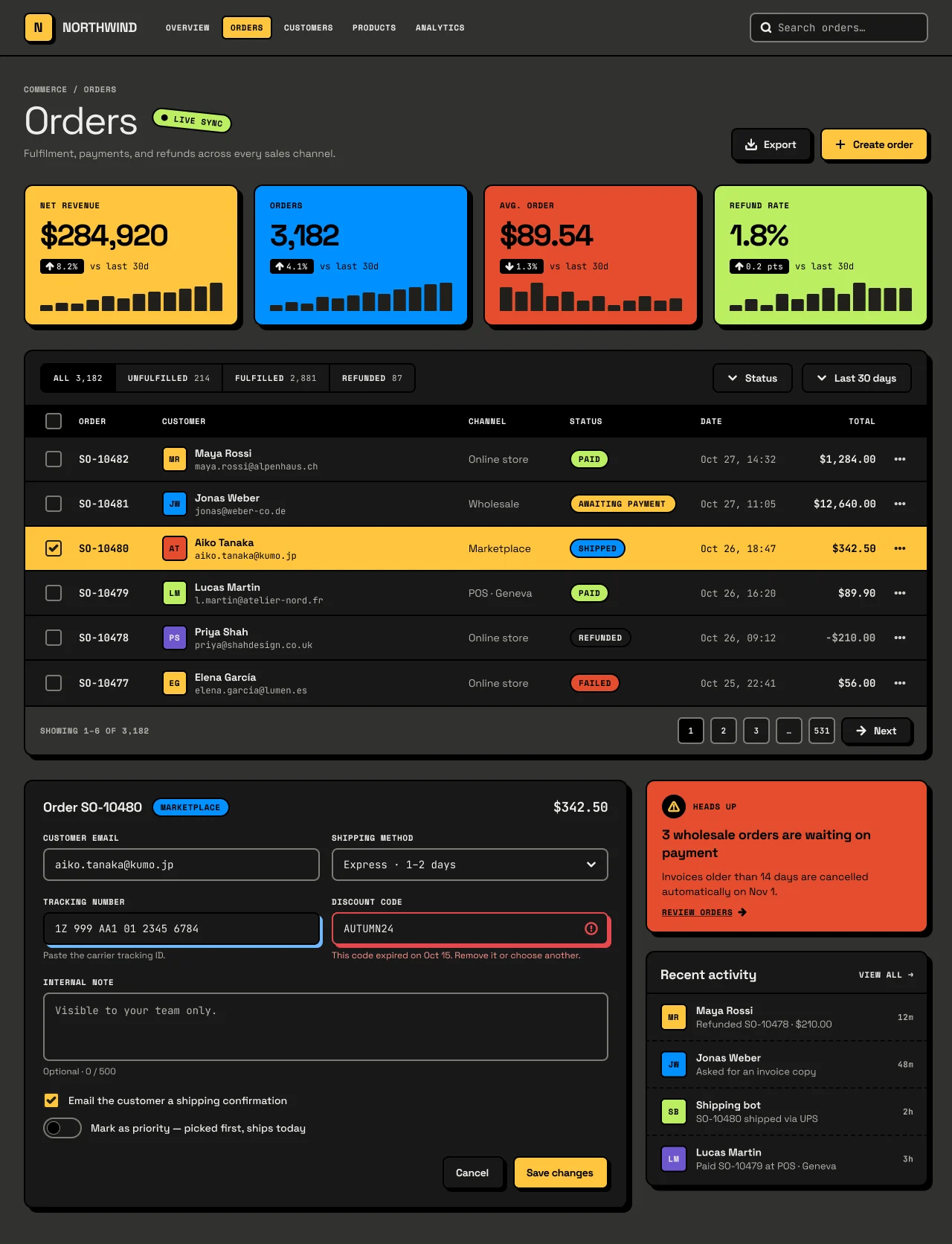
Gumroad-style neo-brutalism. Flat saturated blocks, black ink outlines and hard zero-blur offset shadows that stay black in both schemes.
Compare light and dark
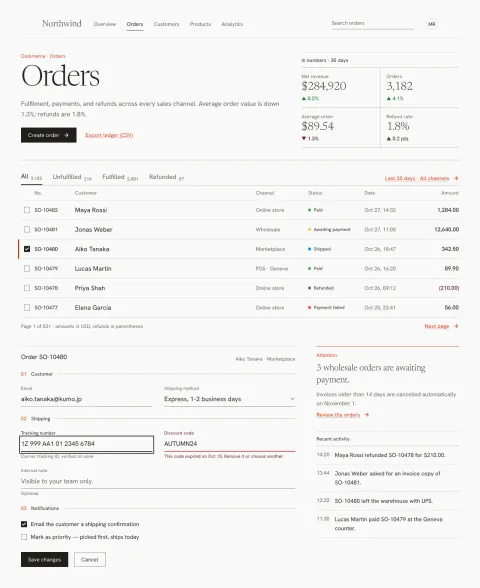
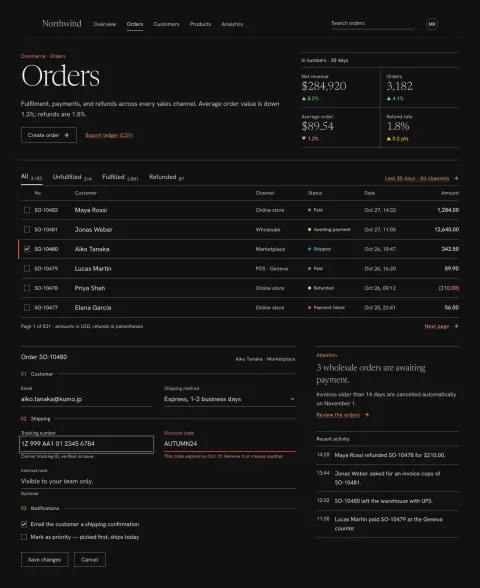
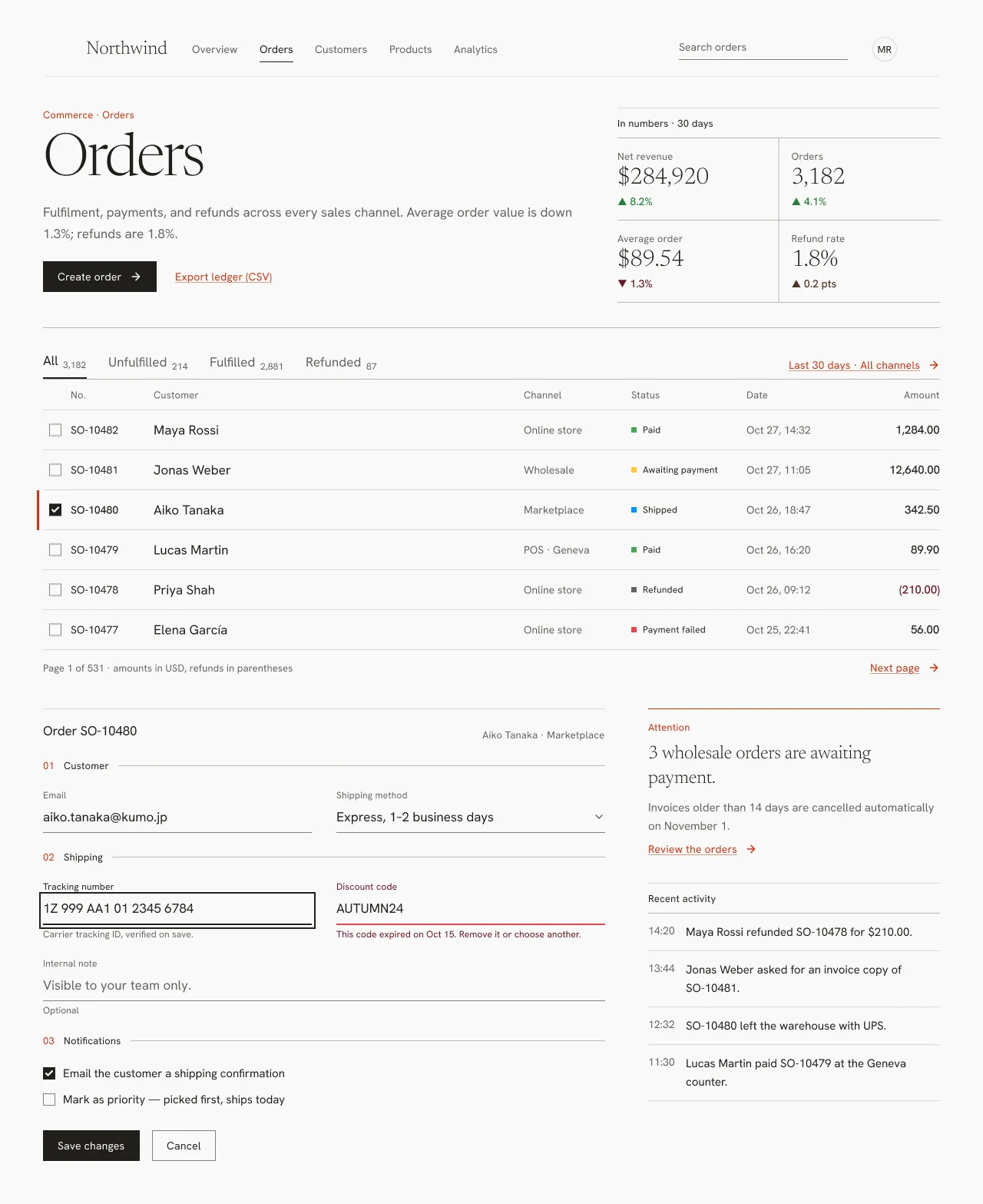
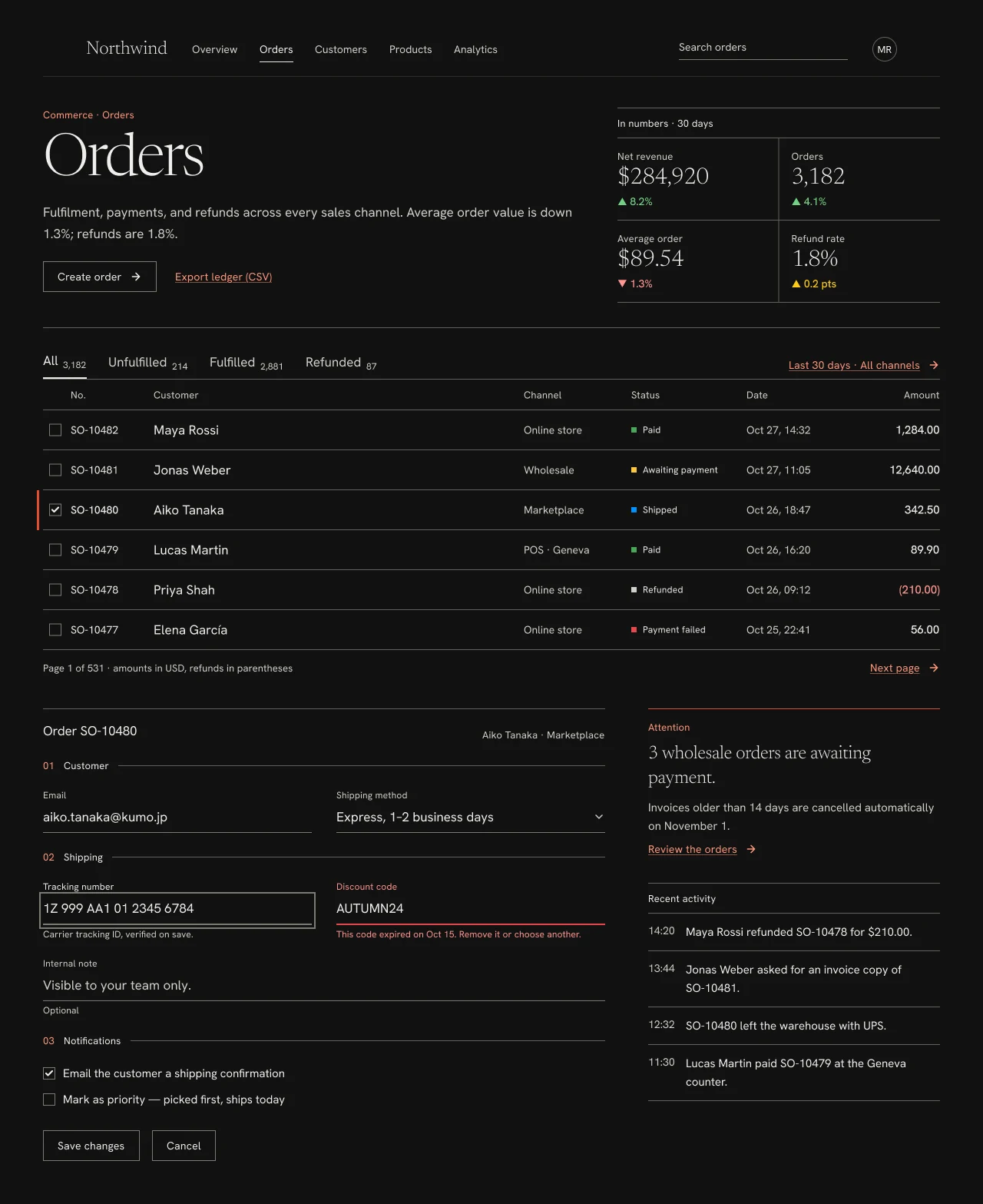
Minimal, thin and legible. Light Newsreader numerals over a calm Hanken Grotesk UI, held together by hairlines instead of boxes or shadows.
Compare light and dark
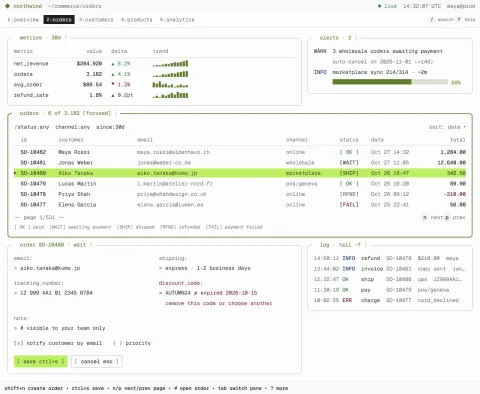
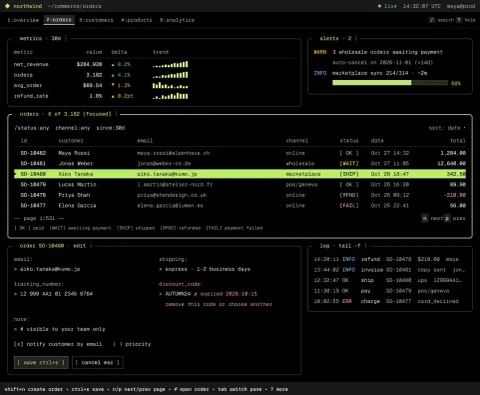
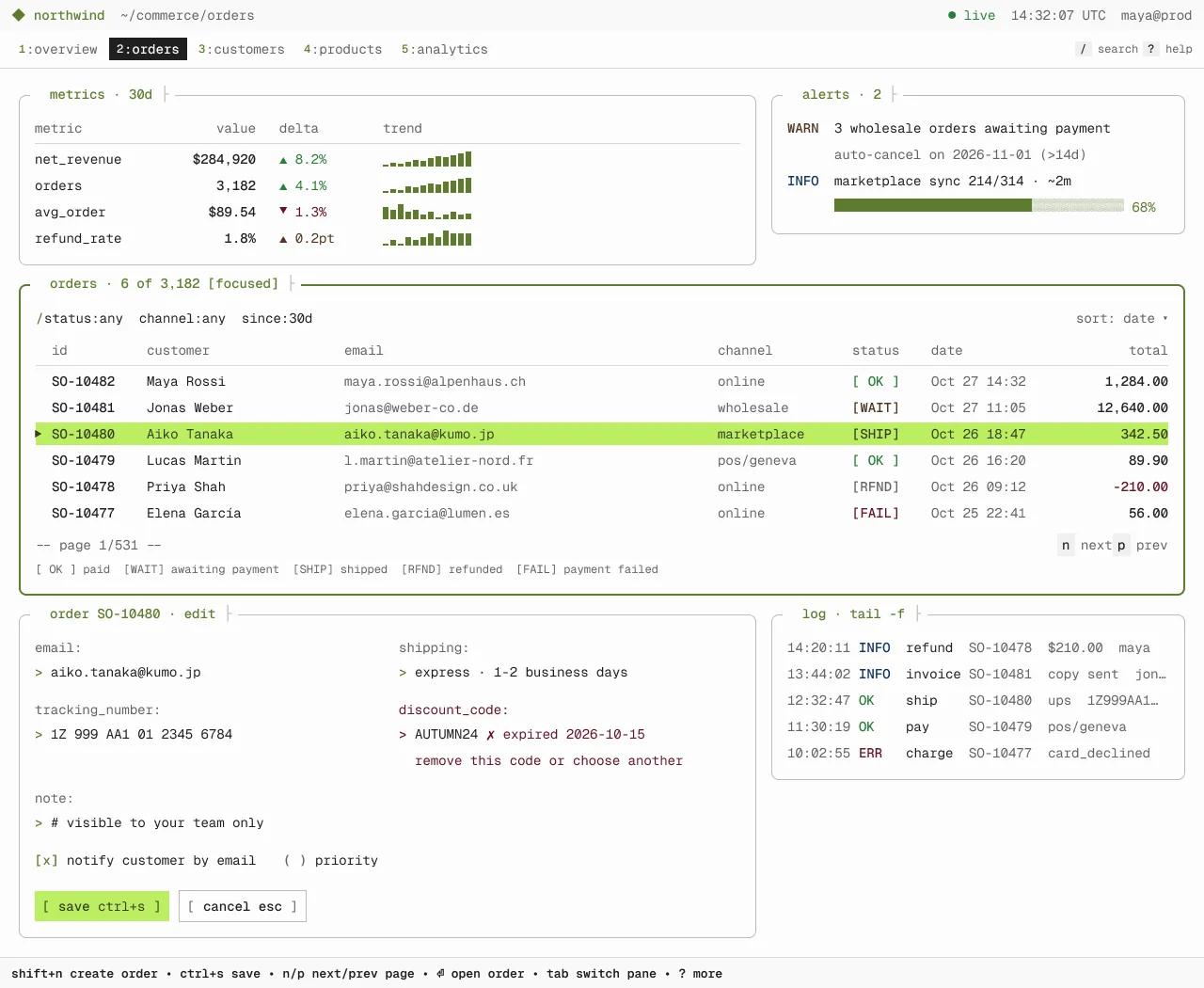
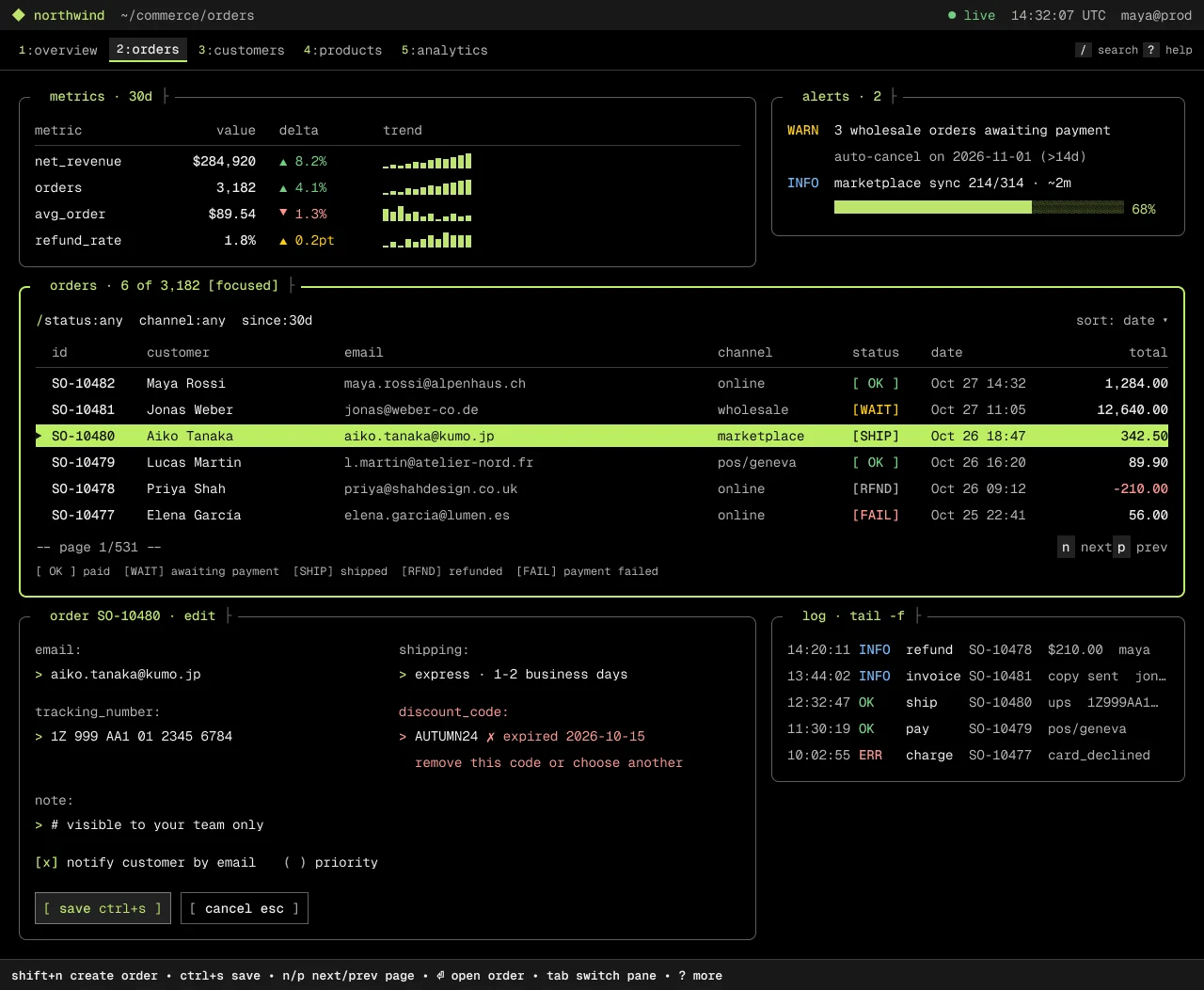
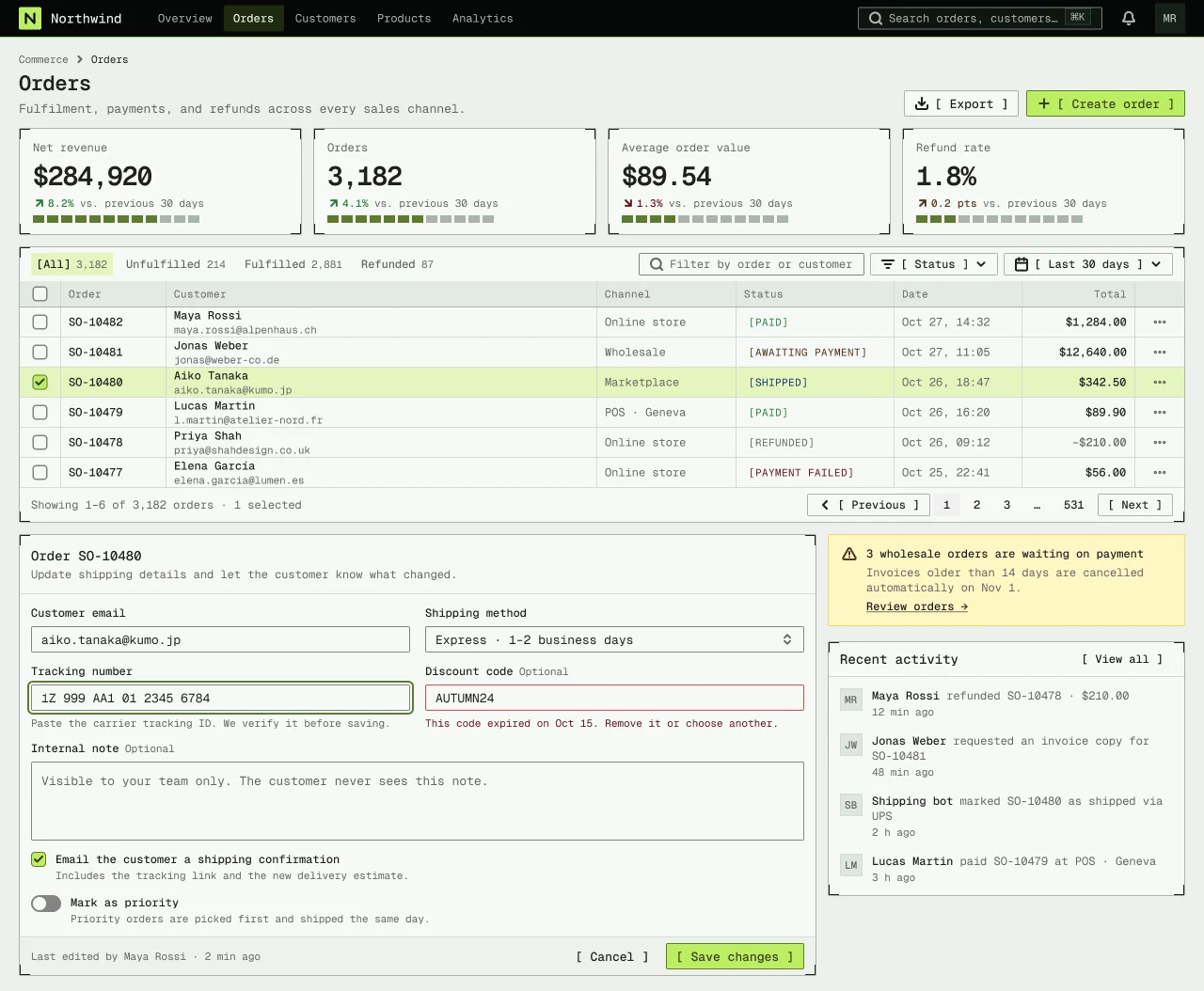
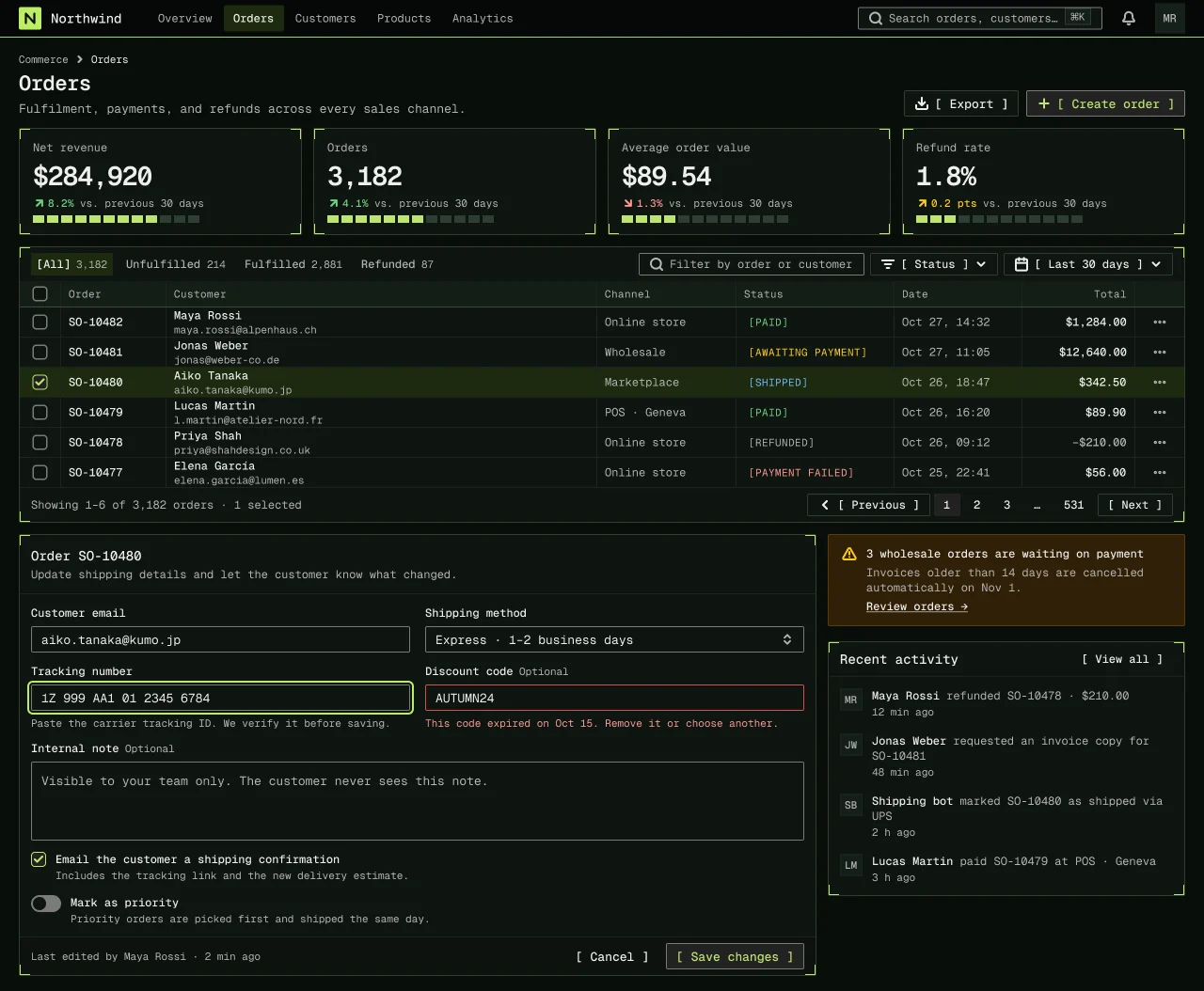
A Charm-style TUI on a character grid. Rounded Lip Gloss panes, one Geist Mono 14/24 scale, bracketed keys and an inverse lime selection bar.
Compare light and dark
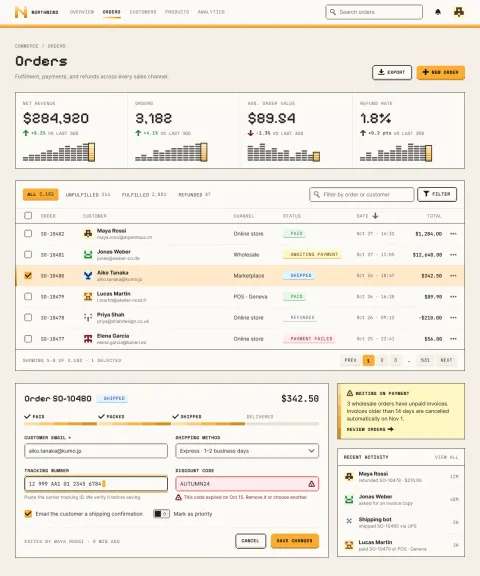
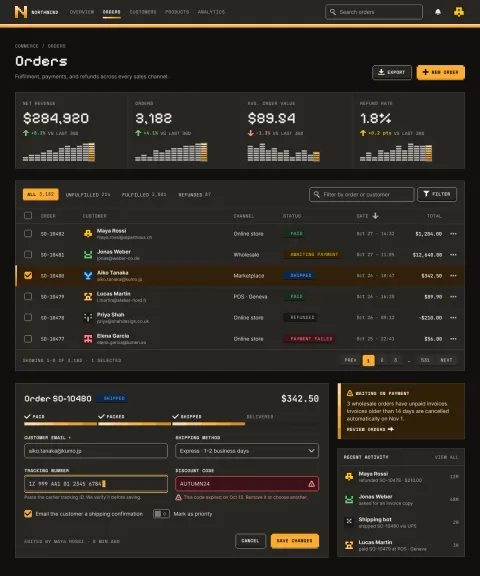
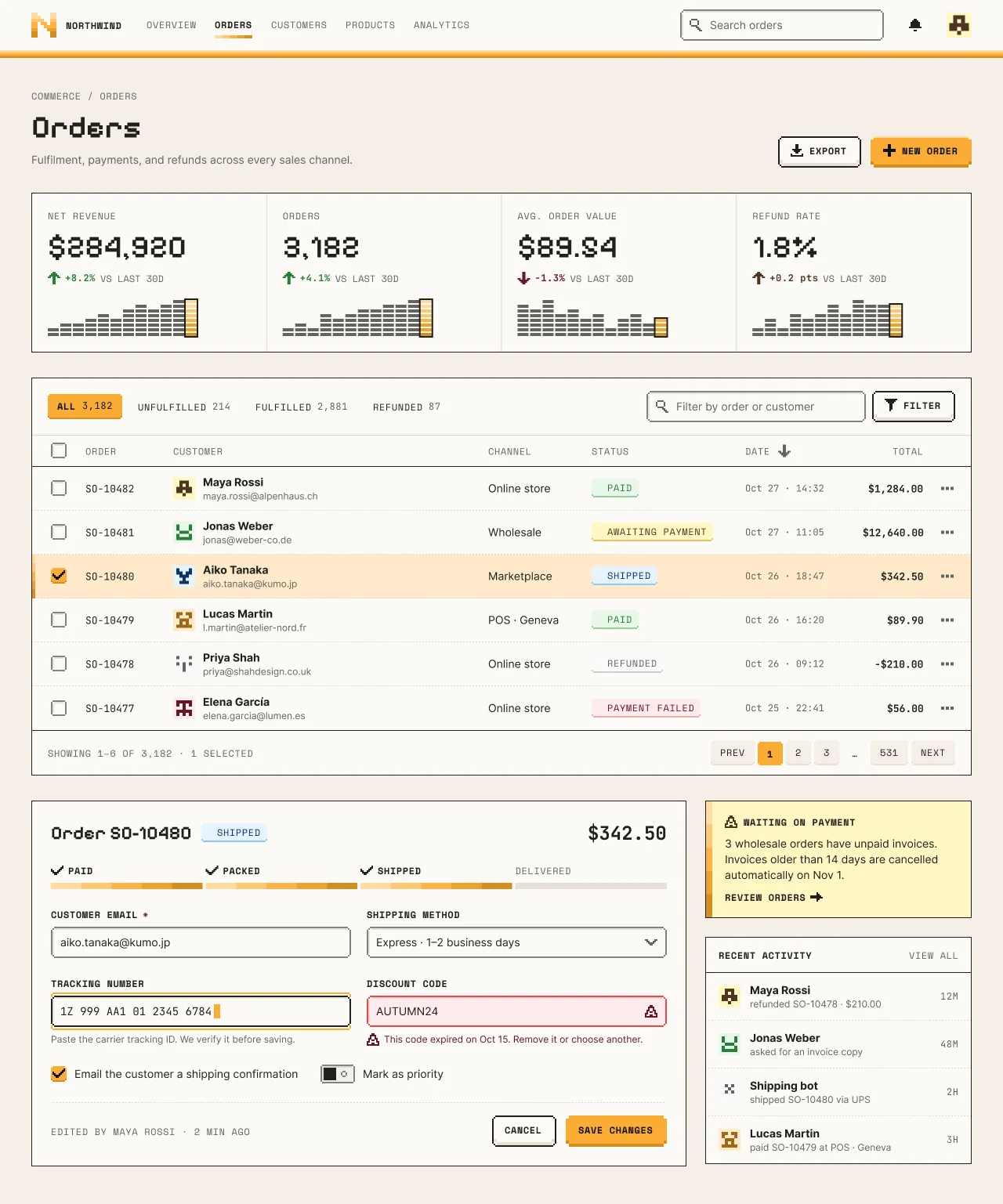
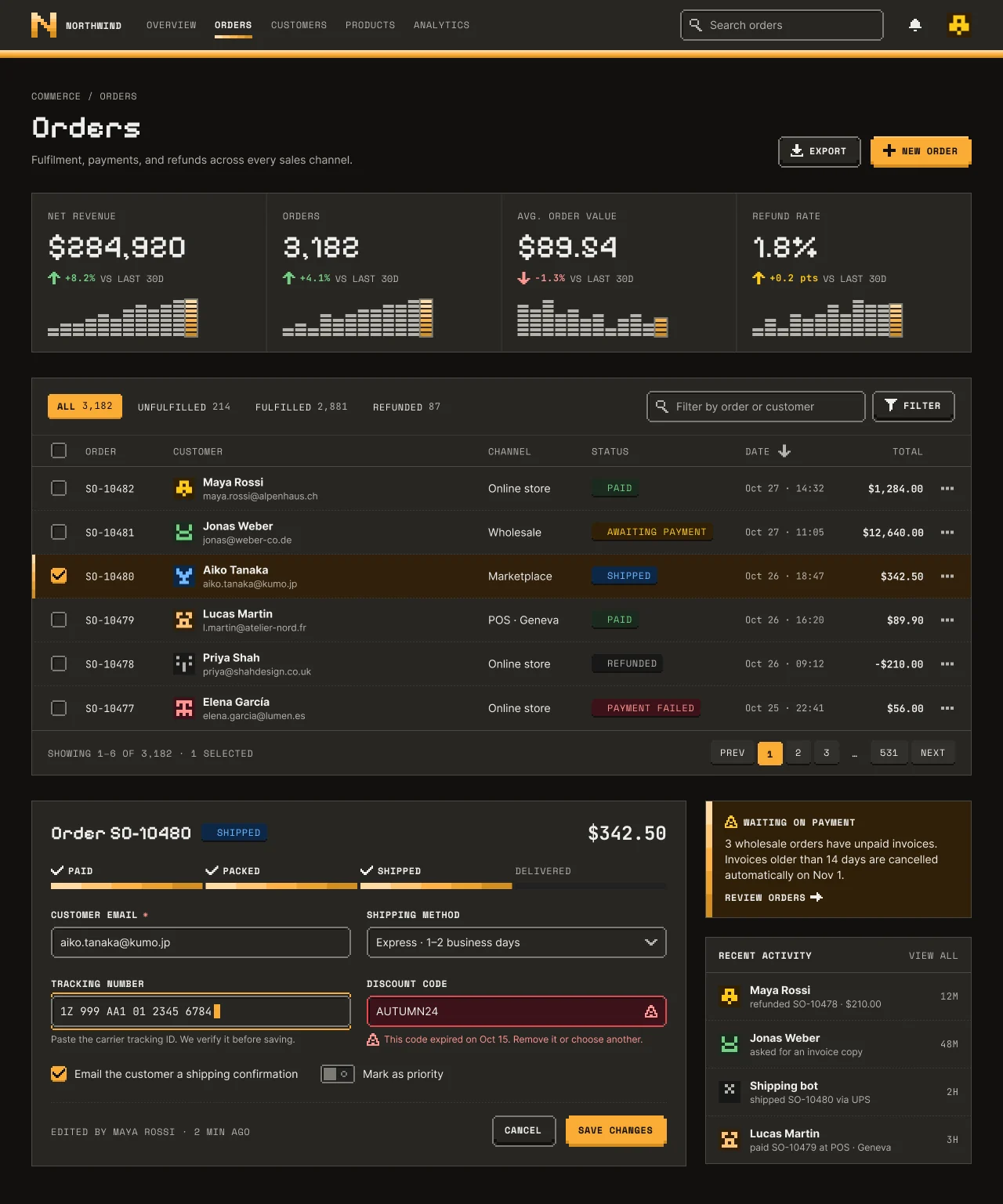
A NetScript-amber pixel language with Ore UI physics: banded amber stripes, stepped 2px-grid corners, Pixelify Sans numbers and Space Mono labels, and keys that sit on a 4px lip and press flat.
Compare light and dark
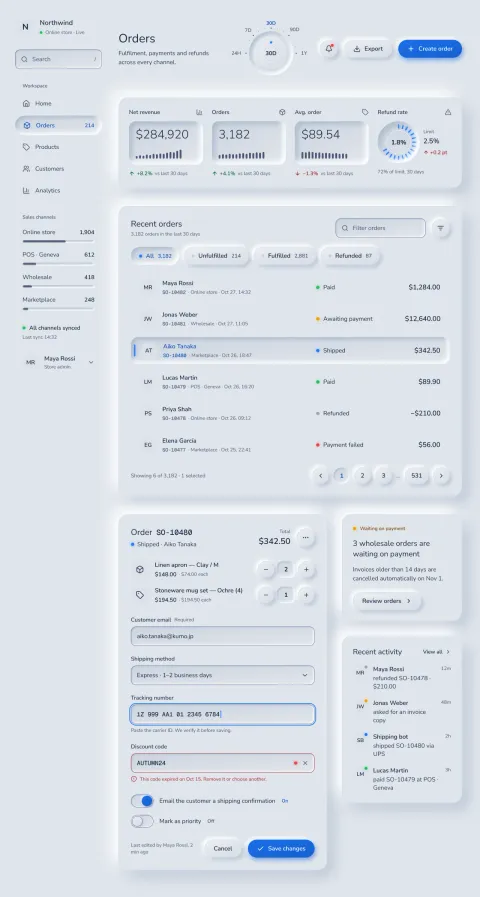
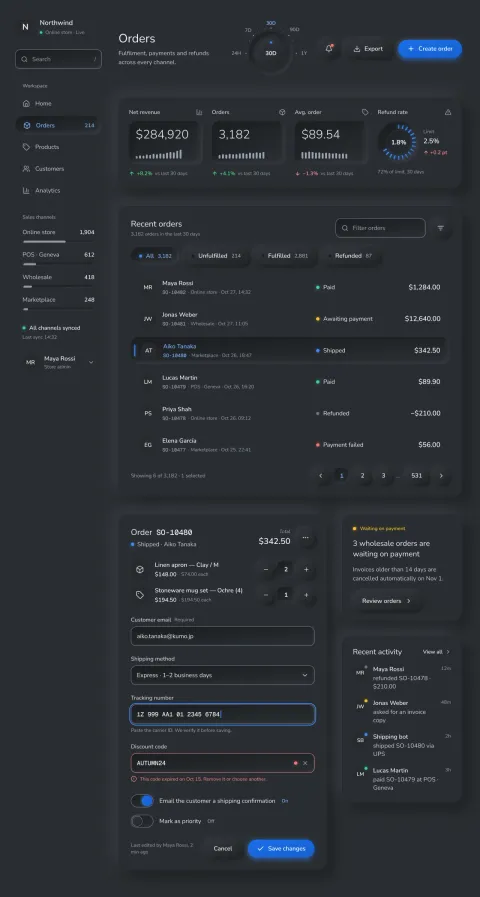
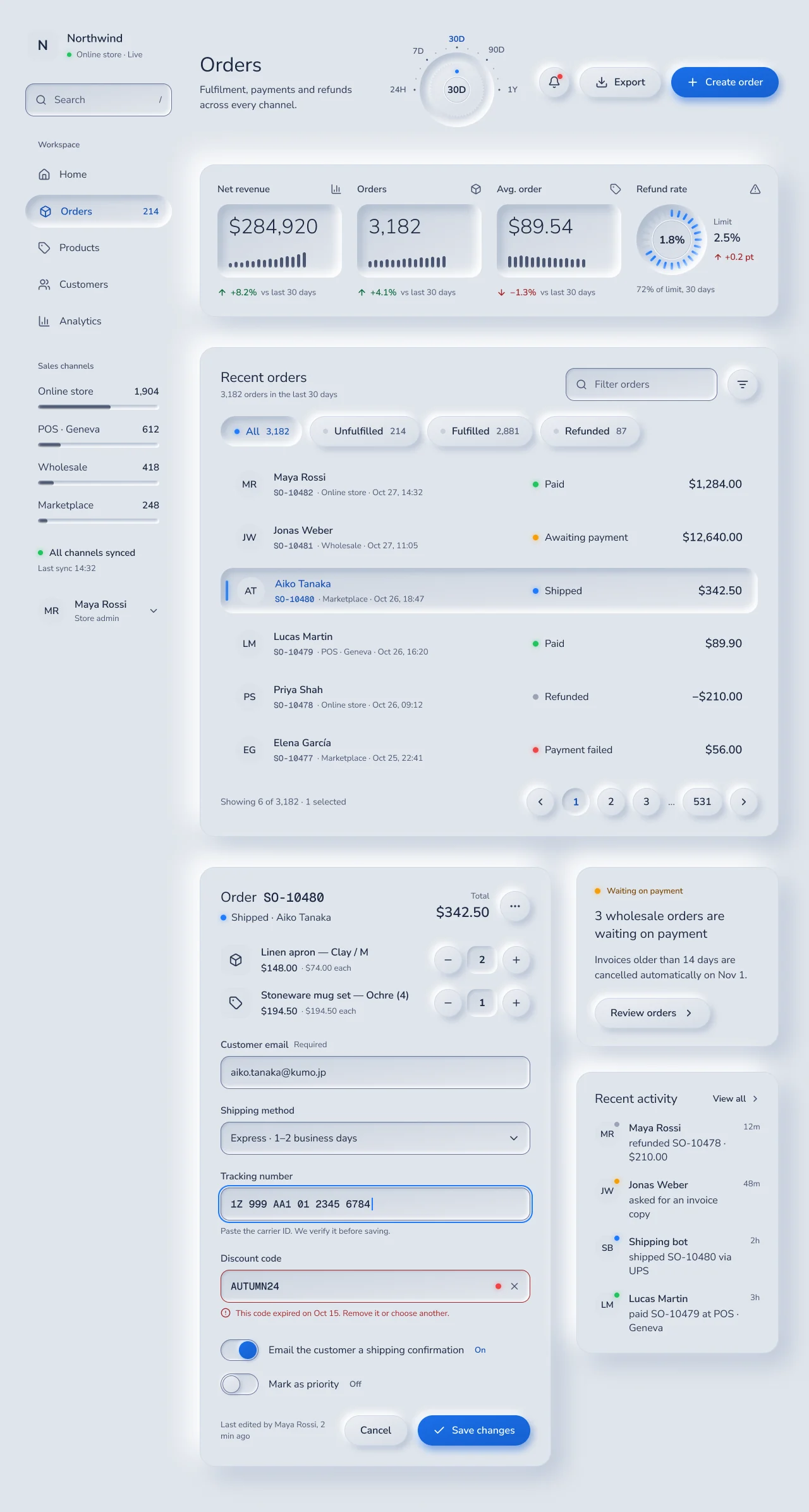
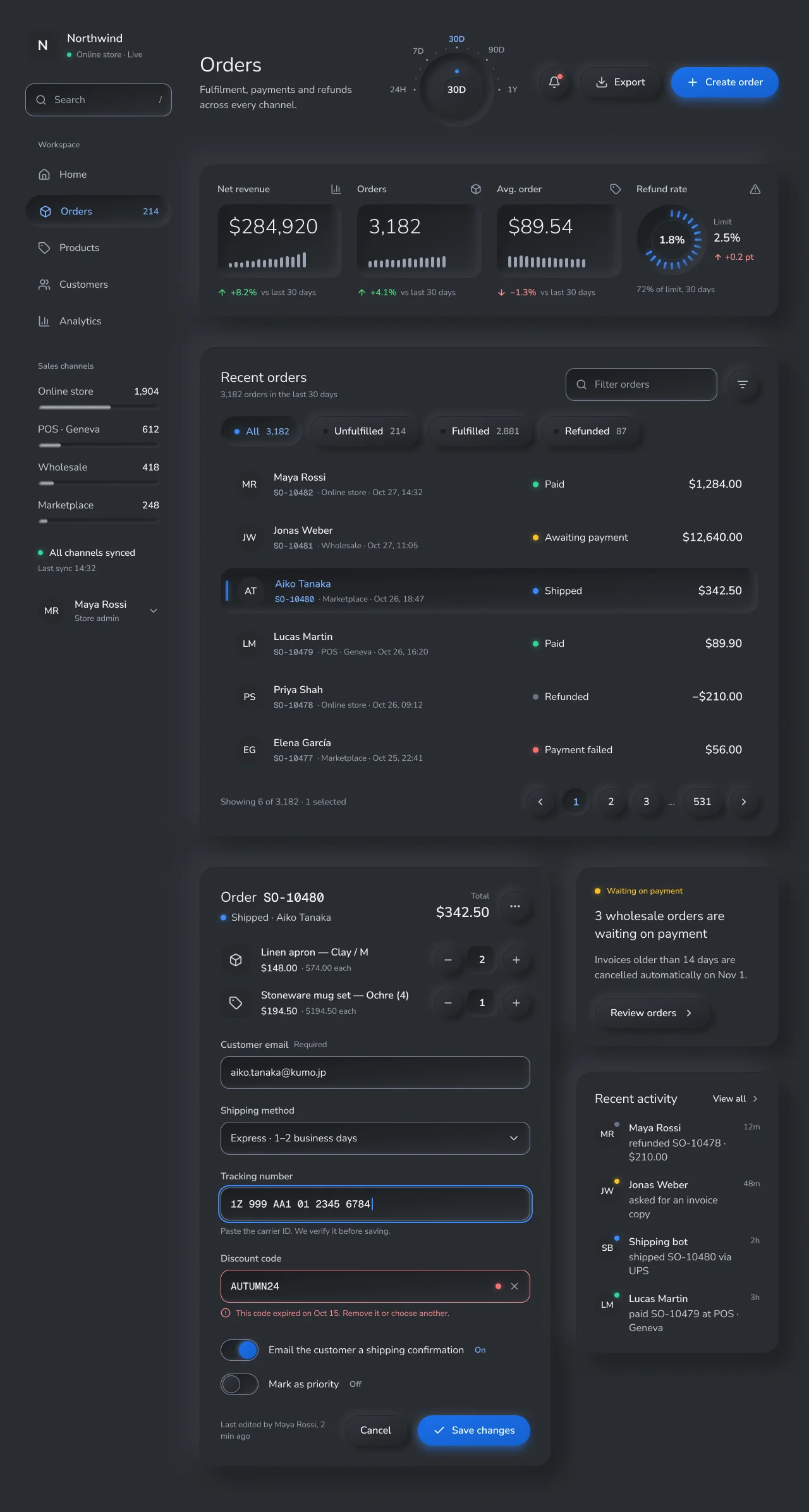
Guideline-based neumorphism. One material lit from the top left, four heights, convex keys that rise, concave wells that sink, and selection that sinks.
Compare light and dark
More Studio flavors
One component anatomy, seven product personalities. Explore Studio.
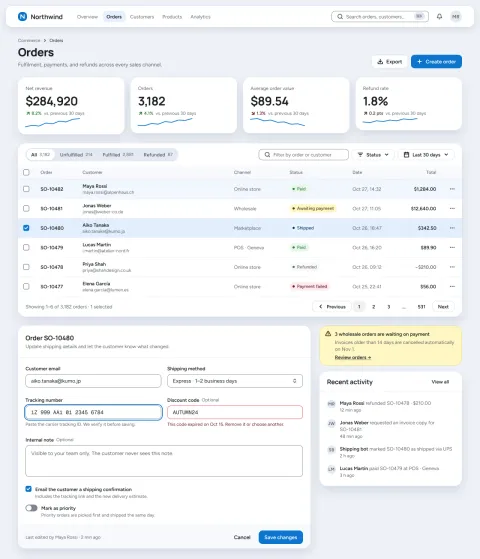
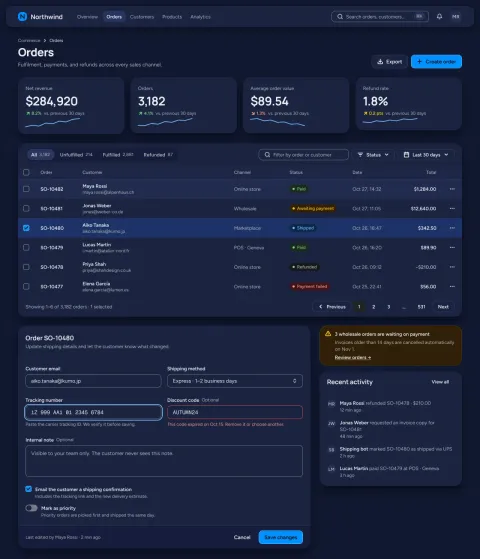
Seven product flavors that share one component anatomy and differ in ground, shape, type, density and component variants, built on shadcn/ui and Linear conventions. Utility is the NetScript default.
Compare light and dark
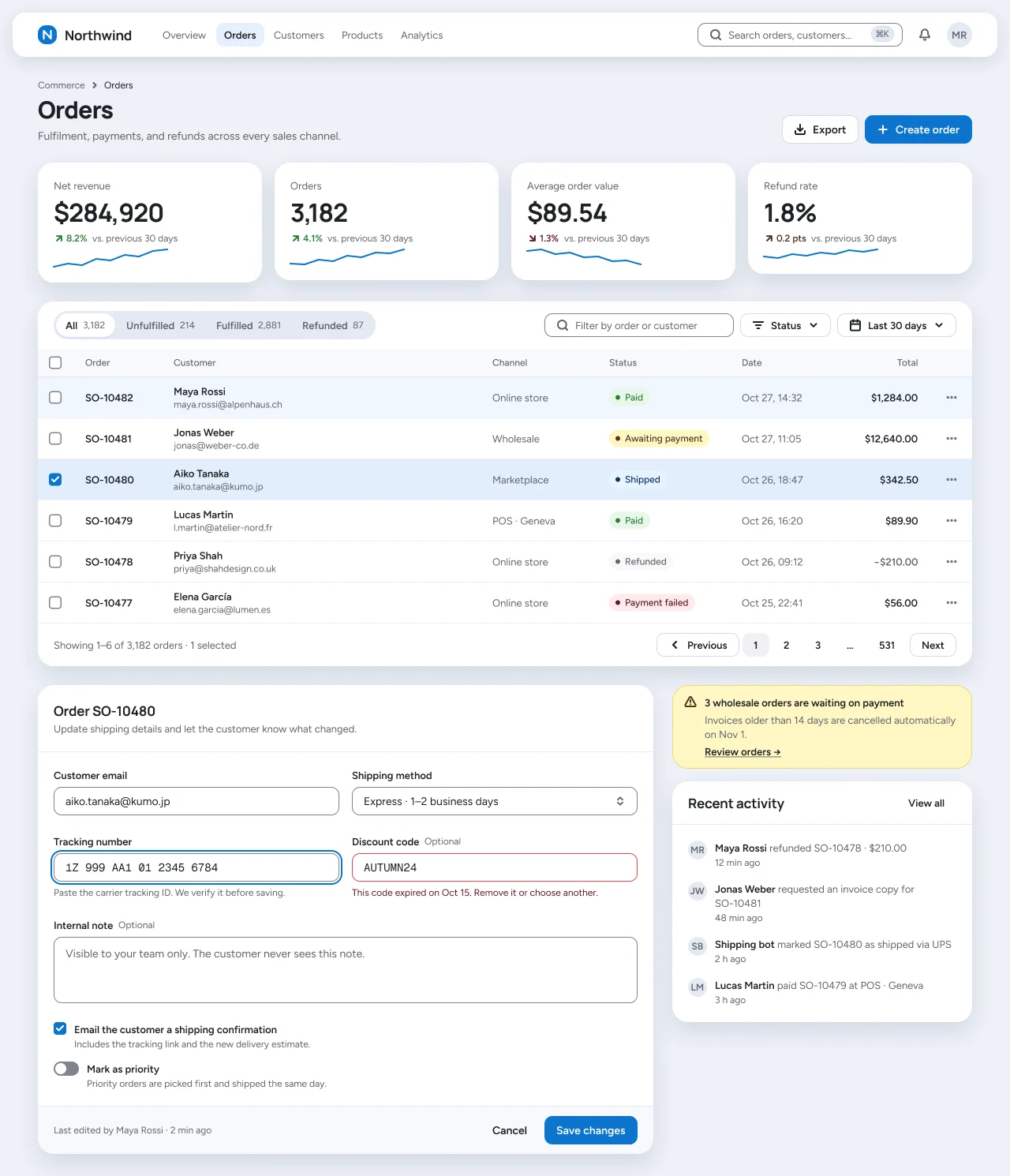
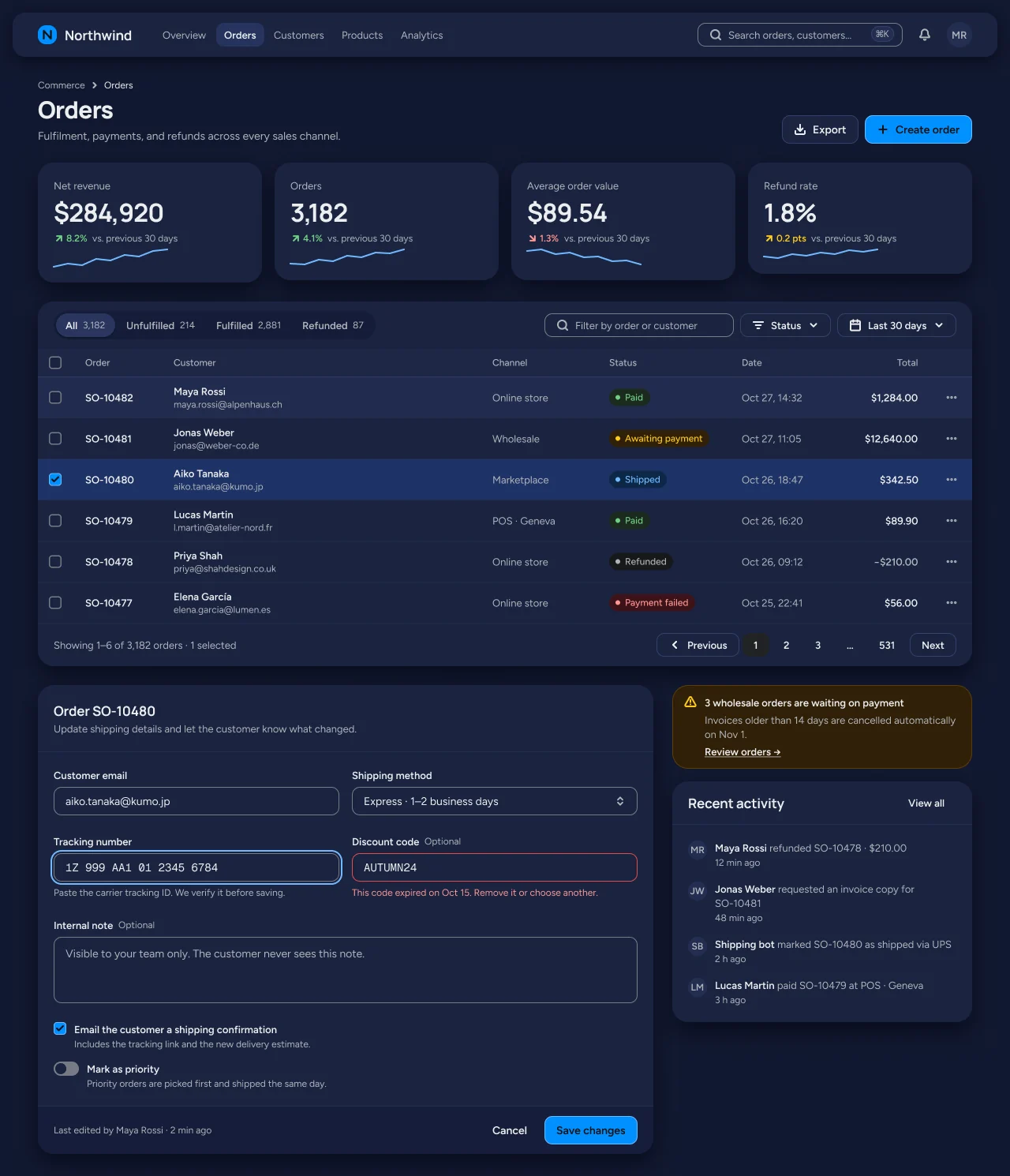
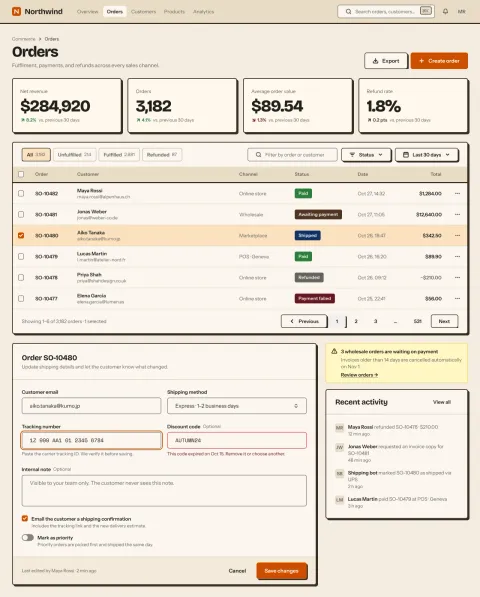
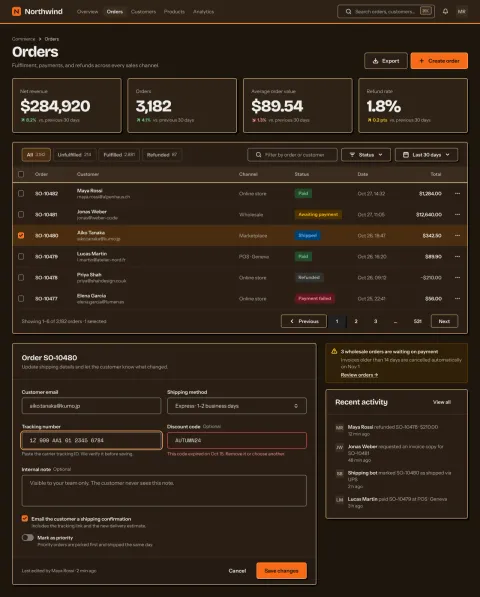
Seven product flavors that share one component anatomy and differ in ground, shape, type, density and component variants, built on shadcn/ui and Linear conventions. Utility is the NetScript default.
Compare light and dark
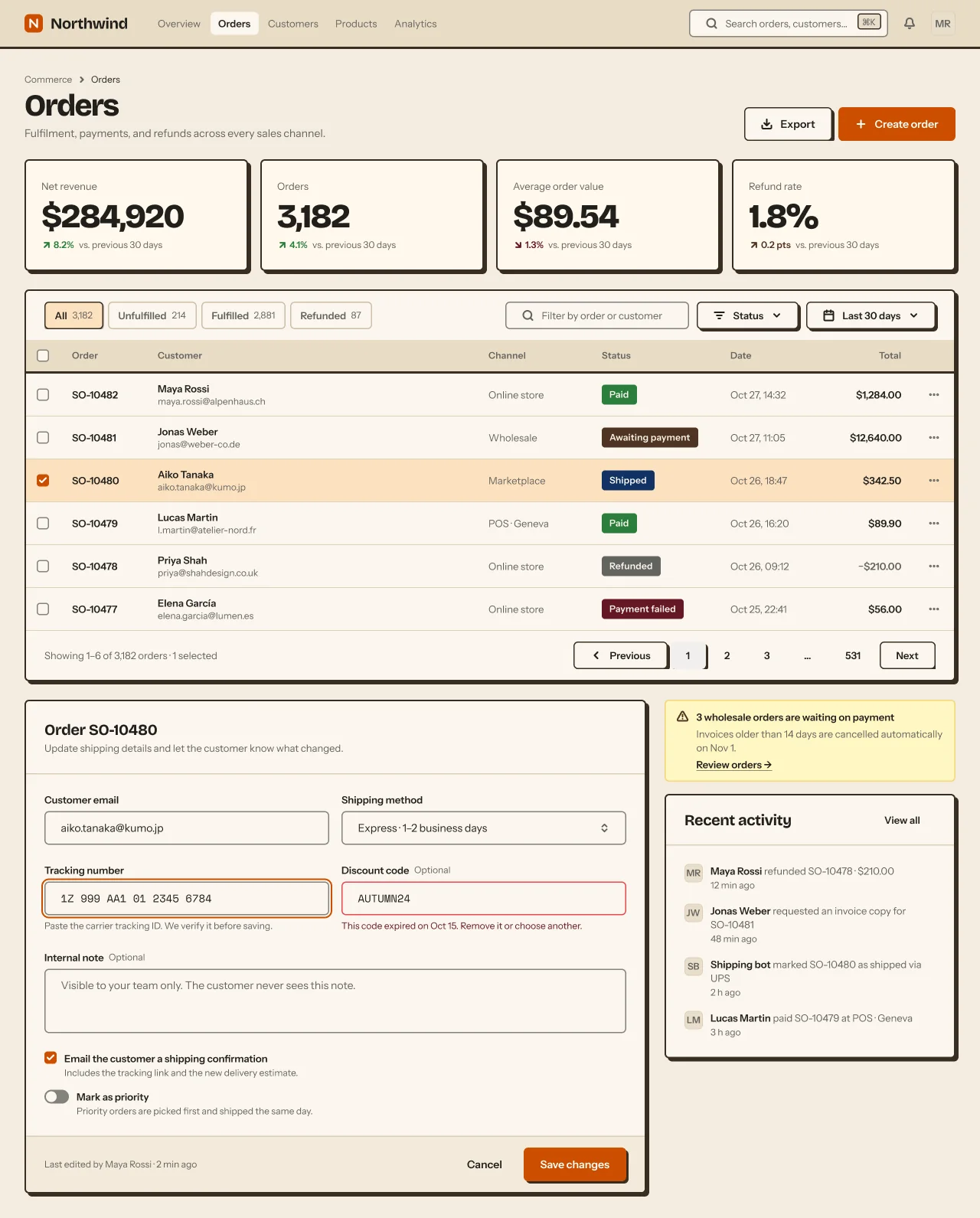
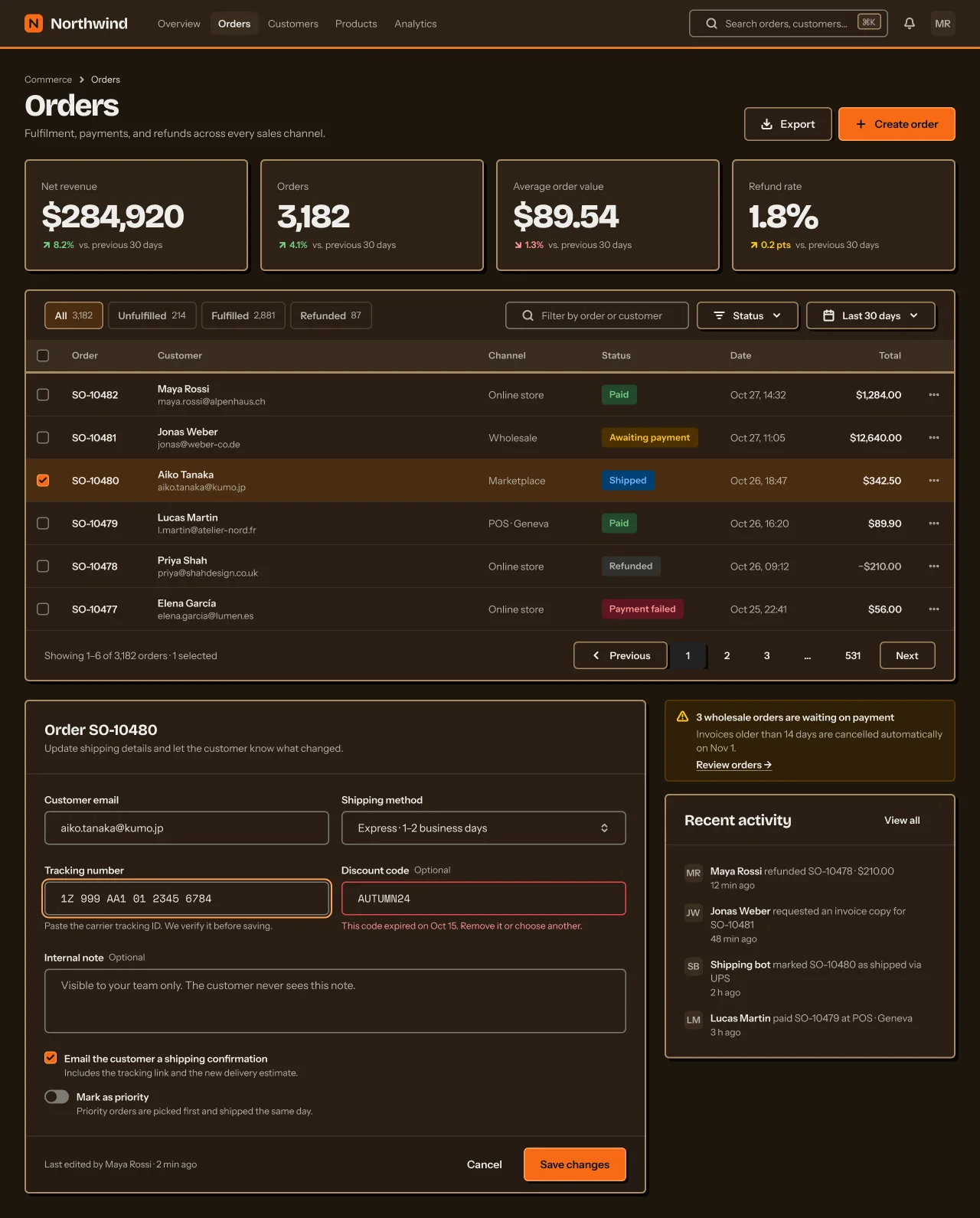
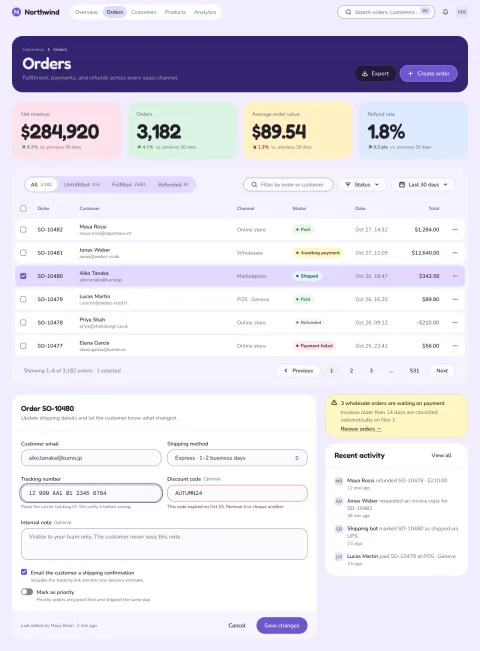
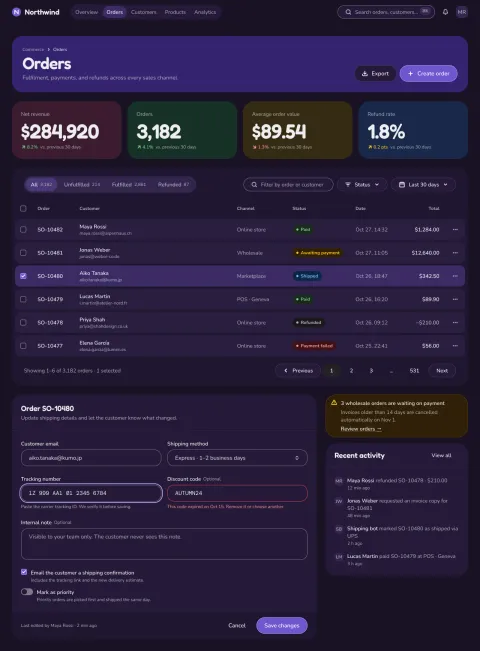
Seven product flavors that share one component anatomy and differ in ground, shape, type, density and component variants, built on shadcn/ui and Linear conventions. Utility is the NetScript default.
Compare light and dark
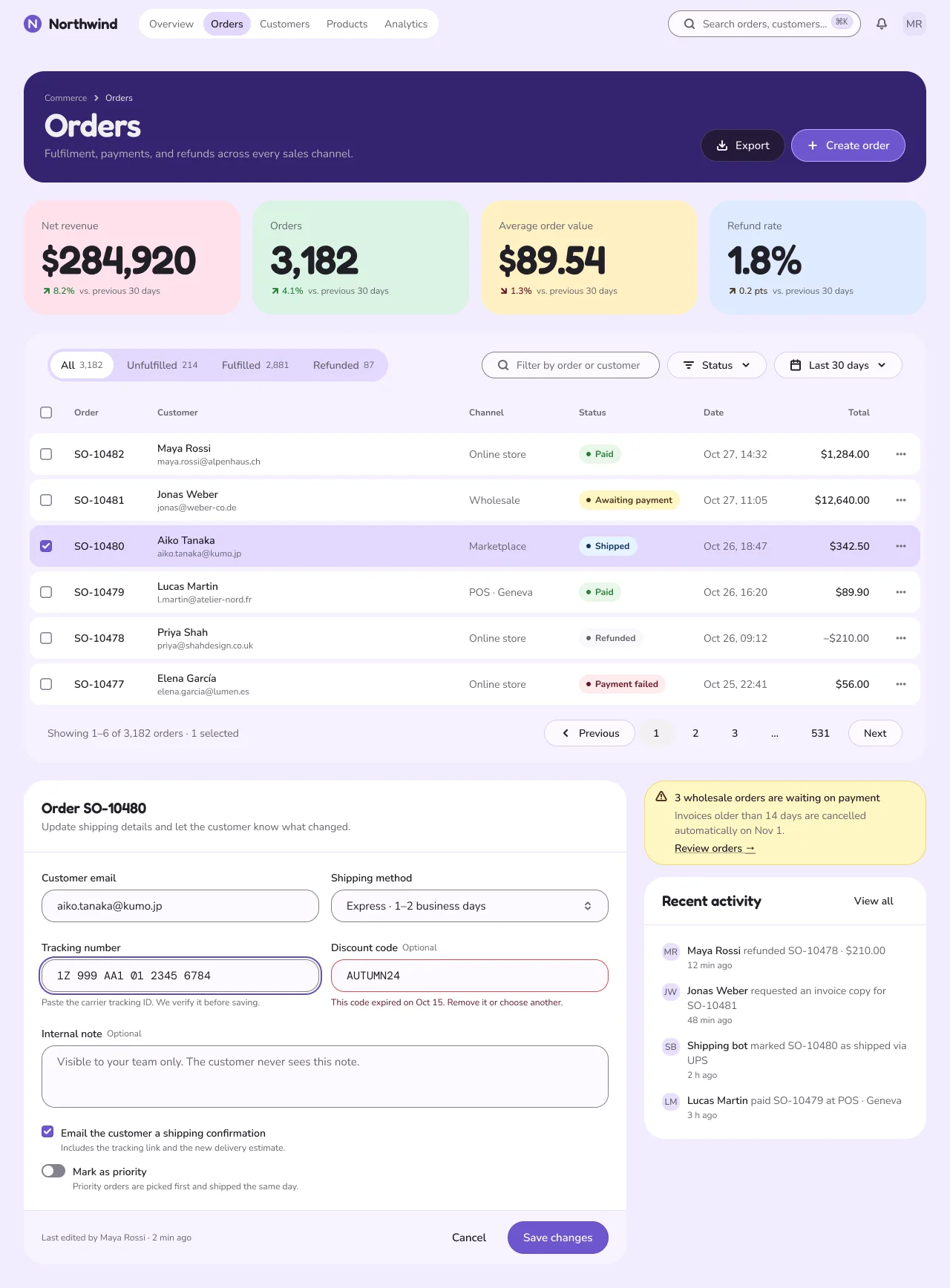
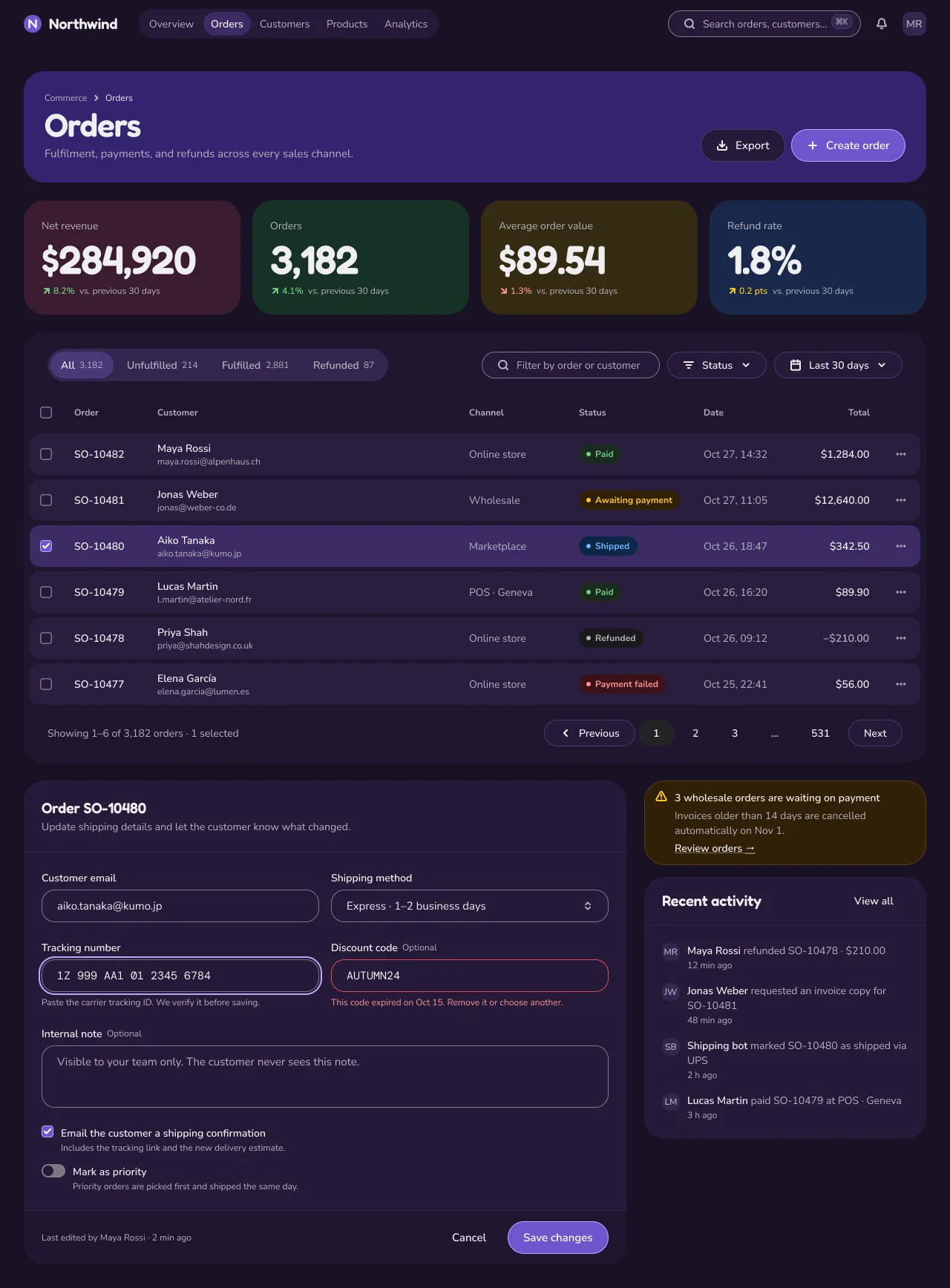
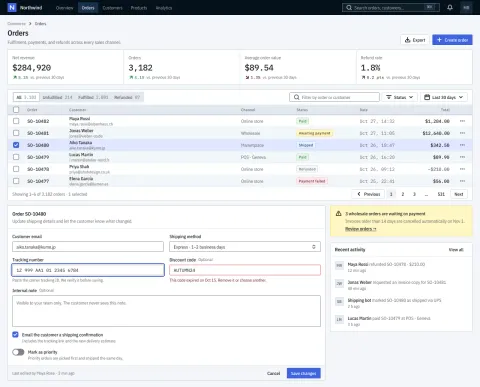
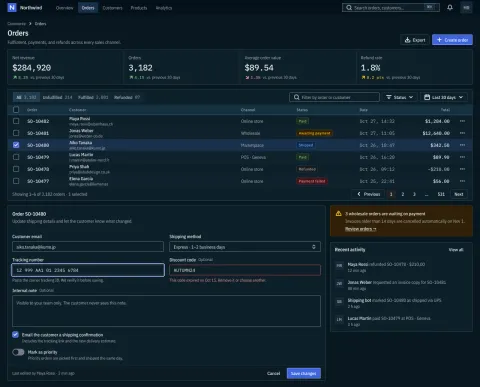
Seven product flavors that share one component anatomy and differ in ground, shape, type, density and component variants, built on shadcn/ui and Linear conventions. Utility is the NetScript default.
Compare light and dark
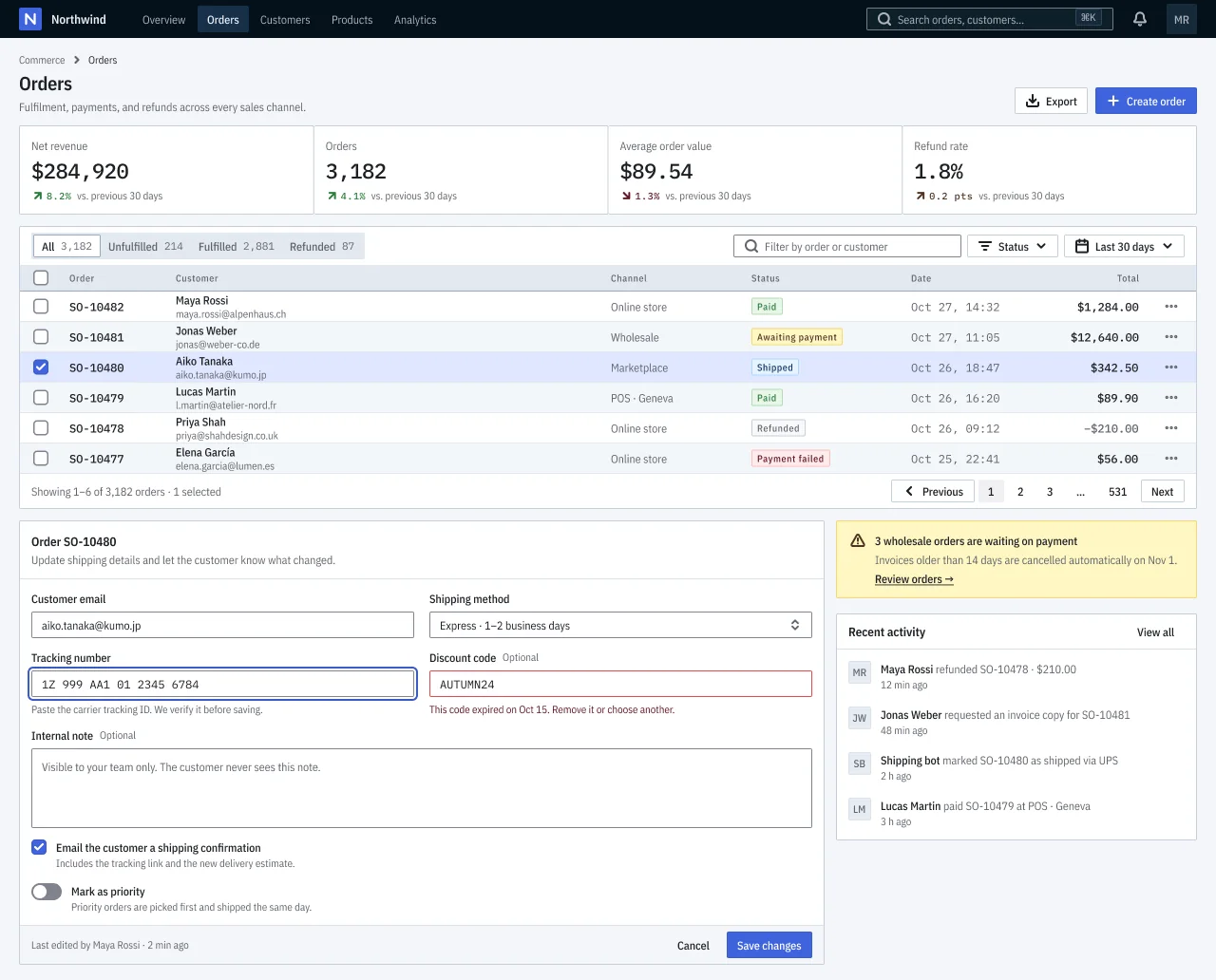
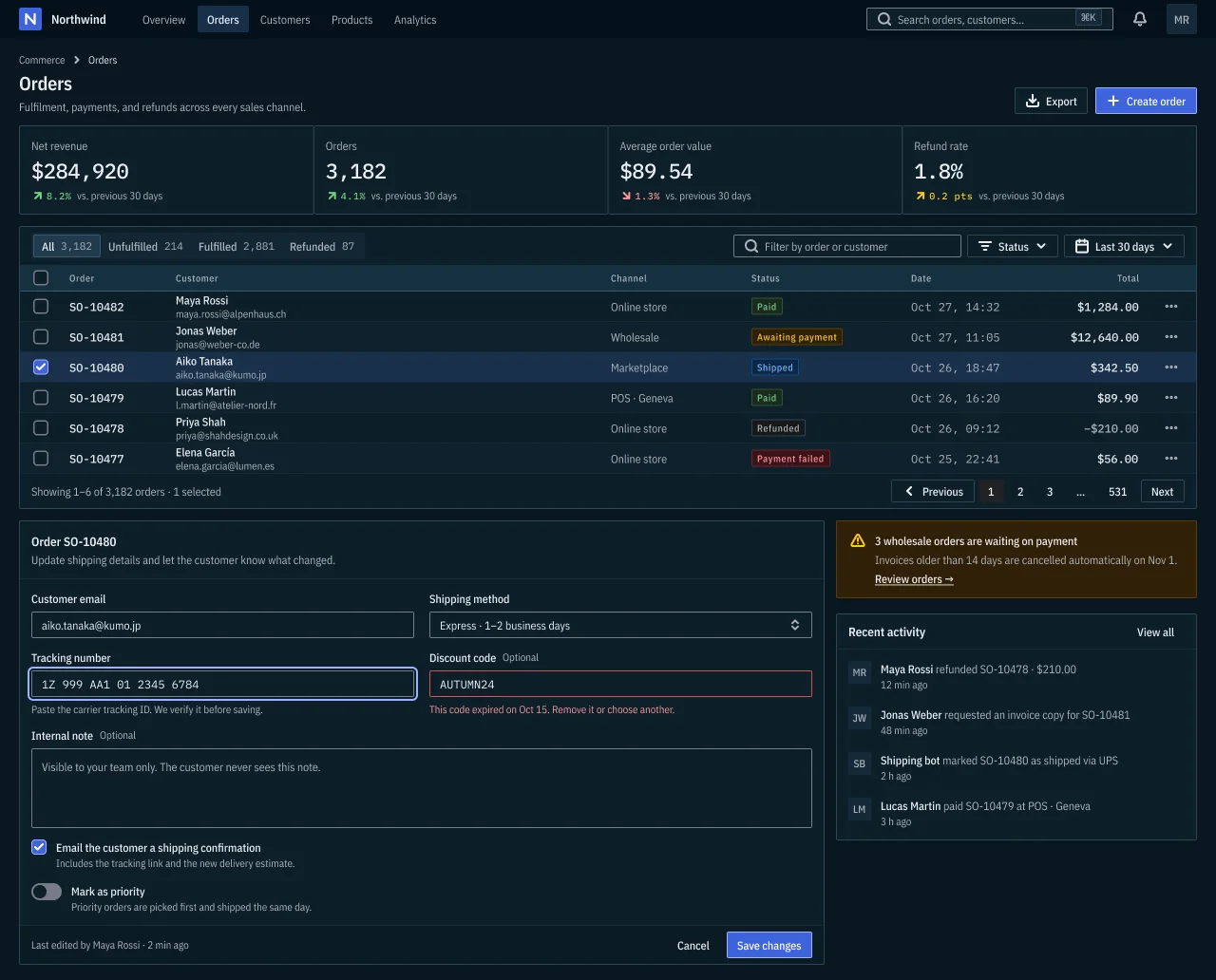
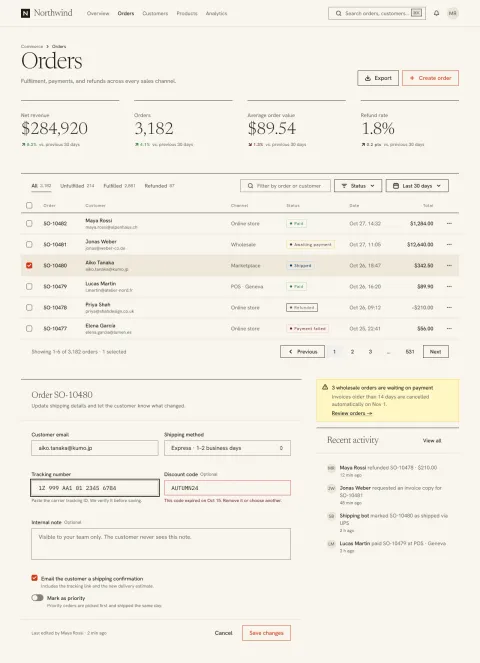
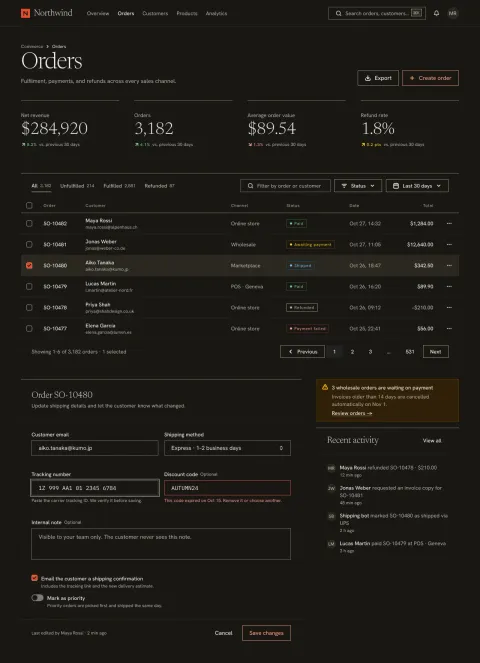
Seven product flavors that share one component anatomy and differ in ground, shape, type, density and component variants, built on shadcn/ui and Linear conventions. Utility is the NetScript default.
Compare light and dark
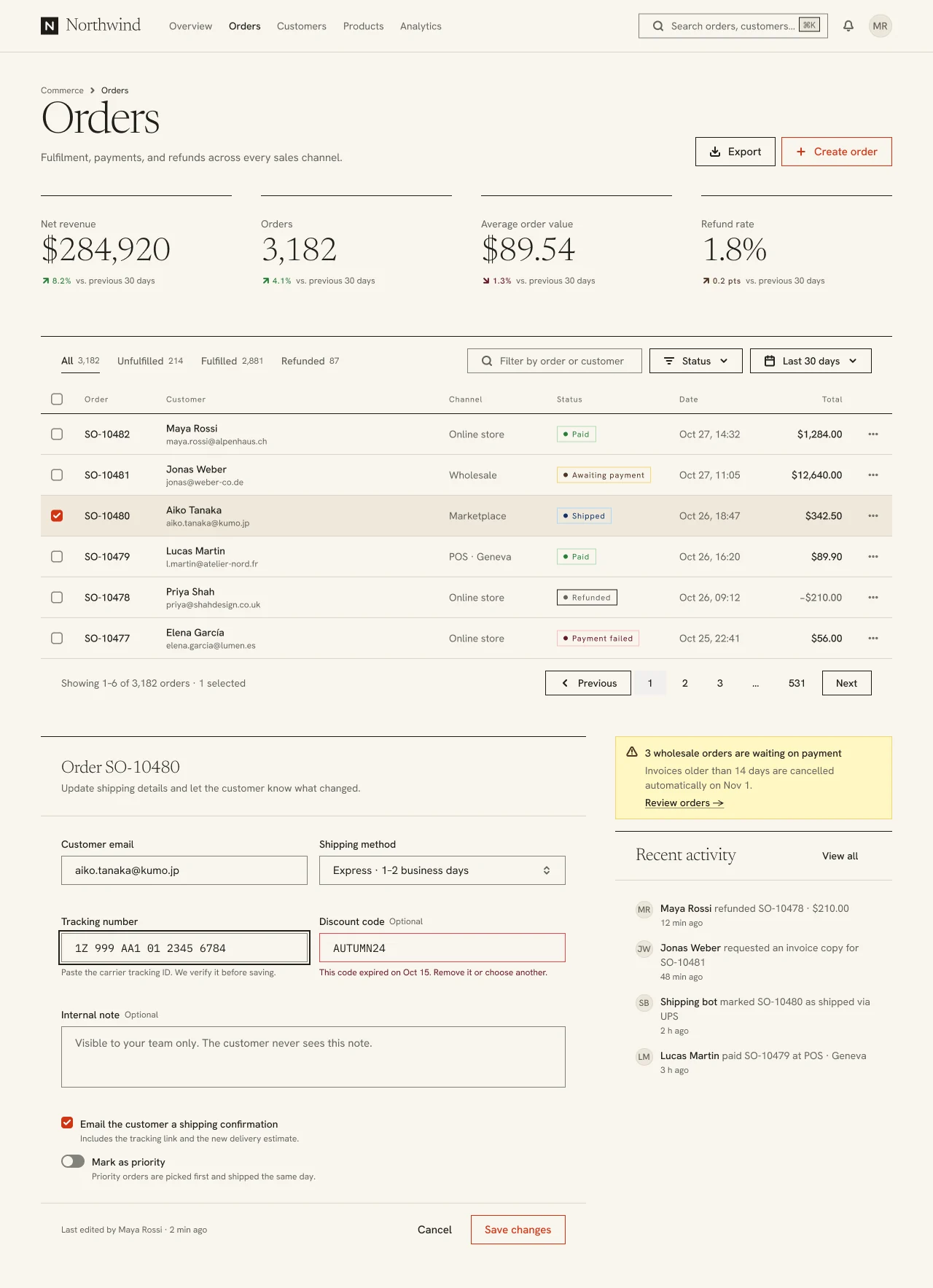
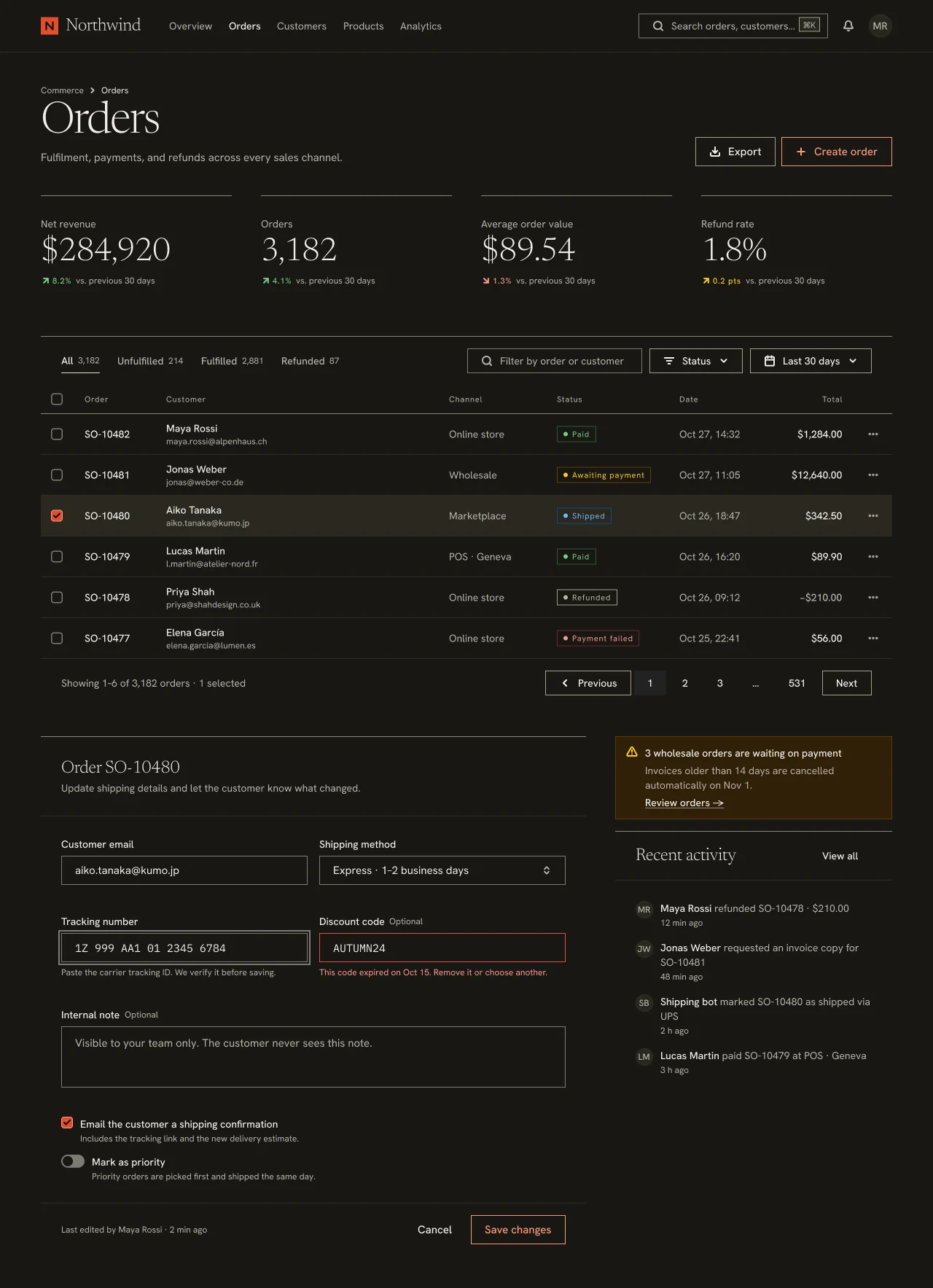
Seven product flavors that share one component anatomy and differ in ground, shape, type, density and component variants, built on shadcn/ui and Linear conventions. Utility is the NetScript default.
Compare light and dark
Read the complete guidelines · Create your own theme · Fresh UI API reference